Small-business phone greeting scripts for five common situations
A business phone greeting script should identify the business, explain the help available and invite one clear response. The right words depend on whether staff are open, unavailable or away for a dated closure. These five editable examples help you set accurate expectations without promising a booking, callback deadline or person who may not be available.
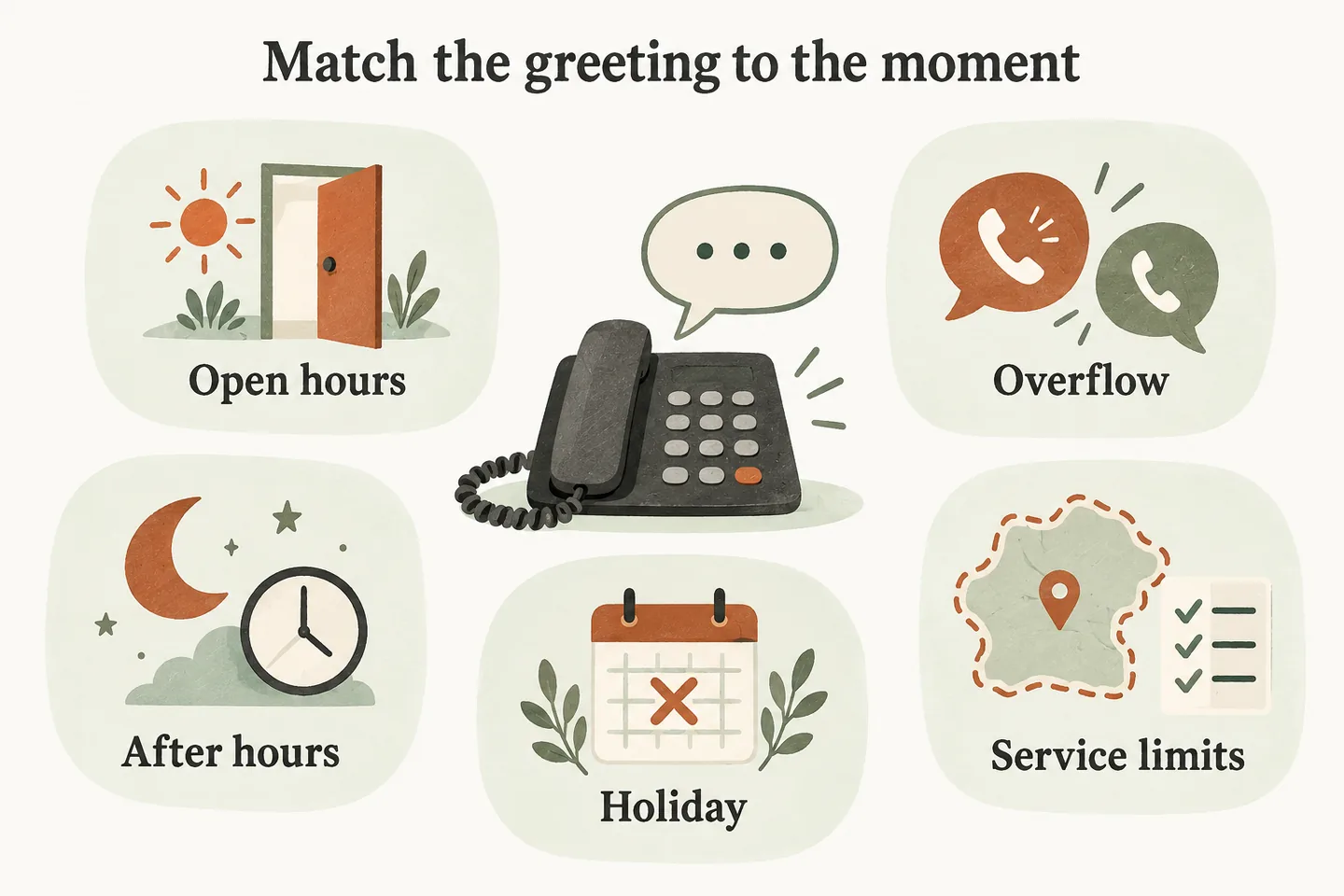
Choose the situation before choosing the words
Start with the current AI receptionist call flow. Decide what happens after the greeting, then describe only those available actions. This article focuses on the first words a caller hears; your call-flow map owns routing, while your approved-answer knowledge base owns the underlying business facts.
The scripts below are original, hypothetical templates for an AI receptionist. Replace every bracketed field, remove unsupported options and read the result aloud. Identify the assistant as AI so callers understand whom they are speaking with. Keep the opening short enough to reach the useful question without a long menu or sales pitch.
Do not assume these examples switch automatically by time or holiday. Confirm how the actual configuration selects or updates each greeting, who approves changes and which timezone applies. A written script does not enable forwarding, booking or a transfer.
1. Open hours: offer the help you can provide
Use this when the business is open and the named topics are approved. Replace a broad phrase such as “anything you need” with a useful scope, such as services and opening hours. Do not list every service before asking the first question.
If booking is part of the approved setup, mention checking available appointments rather than guaranteeing the caller a time. Our current booking offer requires an enabled workflow and connected Google Calendar; confirmation follows a successful save.
2. Overflow: explain why this call has another route
Use the unavailability statement only when the routing condition makes it accurate. Do not claim everyone is on another call when the reason is unknown. A lunch window, unanswered ring and a deliberately routed overflow call may need different wording.
The greeting should explain the next step without promising an immediate callback. Review the lunch-break overflow checklist to confirm who receives the request and when staff actually review it.
3. After hours: distinguish answering from staff availability
Use the next-opening statement only when it is accurate for that date. “We are available around the clock” can confuse call answering with a staffed office. State the office position and the limited help available instead.
An after-hours answering service still needs a real fallback owner. If a request needs a person, use only the approved transfer route during its permitted hours; otherwise explain the agreed message process.
4. Holiday closure: give a dated reopening statement
Use explicit dates rather than “tomorrow” or “next Monday” in the approved draft. Check that the weekday matches the date and that staff will return at the stated time. A public holiday calendar does not establish your own opening hours.
Assign someone to remove the closure greeting and verify the regular one after reopening. Until that update is tested, an expired holiday message can contradict an otherwise correct schedule. Confirm the return date before publishing; do not fill uncertainty with a guessed reopening time.
5. Service restrictions: make the relevant limit clear
Use this version when a recurring mismatch makes one restriction worth stating immediately. Do not turn the greeting into a long exclusion list. Check the requested work and area before promising suitability; a nearby address is not proof that the business serves it.
If the caller falls outside the scope, explain the approved next step without inventing a referral, price or exception. The greeting should not imply technical diagnosis, emergency dispatch or a guaranteed arrival.
Test the greeting as a conversation
Read each version aloud, then run fictional calls through the configured preview. Record what you expected and what happened. A colleague should be able to explain the business, available help and next step after hearing the opening once.
| Test | What to verify |
|---|---|
| Interrupt the opening | The caller can state a need without losing it; verify actual behavior rather than assuming interruption support. |
| Ask for a person | Only an approved transfer is attempted; an unanswered attempt uses the agreed fallback. |
| Call across a closure boundary | The selected greeting and reopening statement match the business schedule and timezone. |
| Ask for excluded work | No invented service promise, quote or exception appears. |
| Correct a detail | The final request preserves the correction and does not imply an action succeeded when it did not. |
Approve the words and the action together
Our AI receptionist for small business uses approved business information and configured actions. AI can misunderstand, so review the wording and failed-action responses together. Test again after changing hours, service area or transfer availability.
You can try the live AI receptionist demo with fictional, nonsensitive details, then request a personal demo for your greeting requirements. The website sample does not handle real customer calls or create real appointments. Production service requires approved configuration, setup checks and paid activation.
Sources and further reading
YOUR CALLS, YOUR NEXT STEP
Hear how your first hello could work.

Try a fictional enquiry in the live demo, then request a personal demonstration to review your greeting, approved answers and next steps.