Overflow answering service: cover lunch breaks without losing call context
An overflow answering service can cover calls while your team takes lunch, but answering is only the first step. The useful outcome is an accurate enquiry, a verified booking or a clear callback request that staff can act on. Start with one coverage window and compare two weeks of call outcomes before extending coverage.
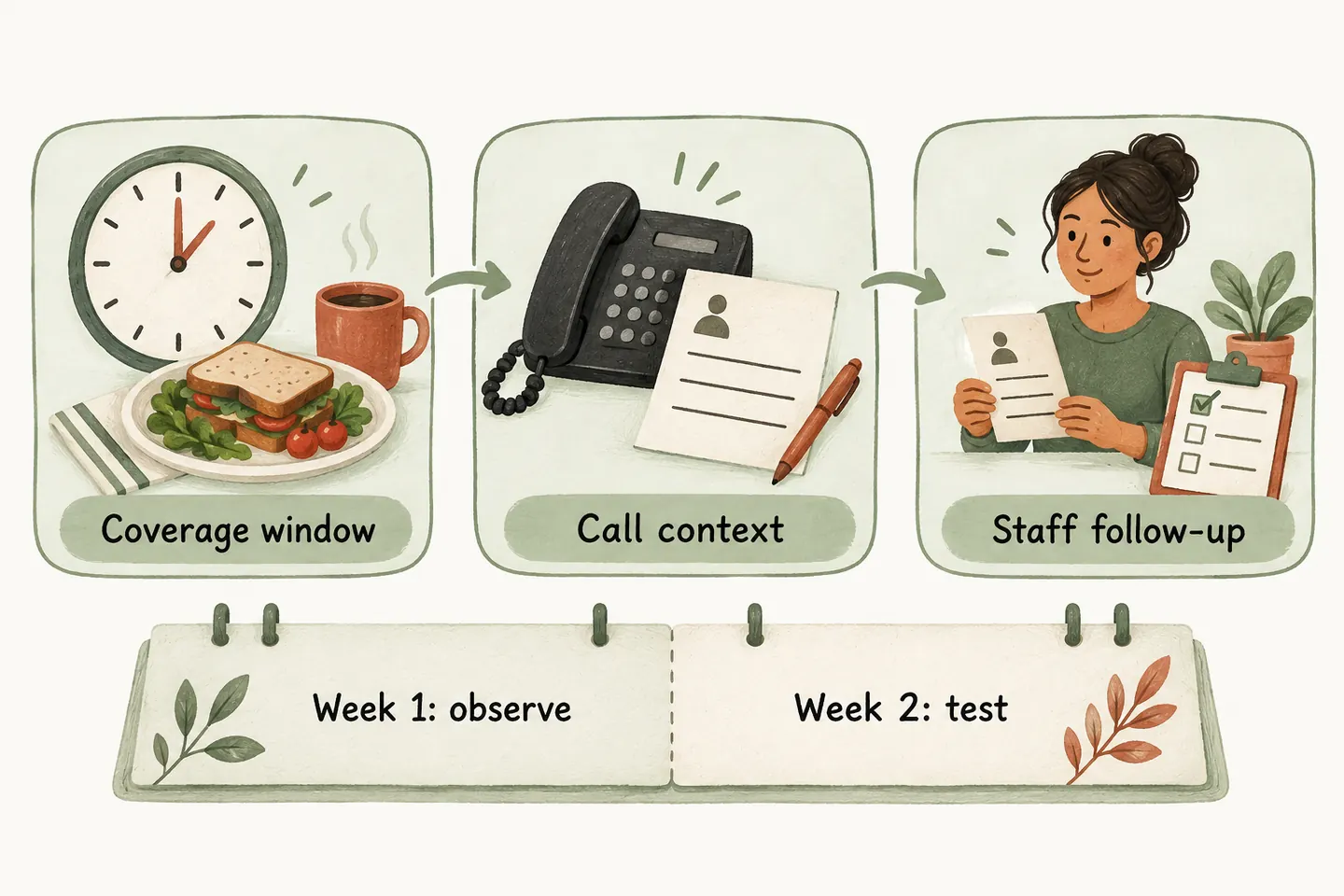
Choose one lunch window and a responsible owner
Pick a period your team actually struggles to cover, such as noon to 1 p.m. in the business’s timezone. Keep the number, service area and approved call types unchanged during the comparison. Define who starts coverage, who restores normal routing and who reviews requests afterwards.
An AI receptionist for small business should fit that narrow responsibility. Write the lunch branch into your AI receptionist call flow: approved answers, permitted actions and a named human fallback. A lunch break does not make the business closed for the day.
Confirm the forwarding behavior on your actual line
Ask your carrier whether the line supports forwarding all calls, only unanswered calls or calls when busy. These are different choices. Verizon’s mobile instructions distinguish immediate forwarding from conditional forwarding after busy or unanswered calls. Bell’s business-phone guidance describes separate options and restrictions for certain line features.
Confirm the destination number, ring delay, voicemail interaction, activation and cancellation steps, and any forwarding or long-distance charges. Do not copy a dial code from another carrier or assume a mobile instruction applies to an office line.
Test from another phone before rollout, during coverage and after restoring normal routing. Check both answered and unanswered transfers. Assign a person to switch and verify coverage unless scheduling is separately confirmed for your phone service; this plan does not assume native carrier scheduling in the receptionist.
Use a greeting that matches temporary coverage
The greeting should identify the business and explain what can happen now. Avoid saying staff are available for an immediate transfer when everyone is away, or promising a callback deadline nobody owns.
Have the owner approve the wording and test it. Keep any callback expectation consistent with the team’s actual capacity.
Keep requests, bookings and callbacks distinct
Our current offer supports booking when the workflow is enabled and Google Calendar is connected. Calendly is described as forthcoming. A preferred appointment time remains a request until the booking saves successfully; if the save fails or is unclear, assign review instead of confirming it. Use the appointment-readiness worksheet before permitting bookings.
For callbacks, collect the reason, confirmed contact details, useful context and the responsible person. A request does not prove that someone has returned the call. Restrict transfers to approved destinations with an unanswered-call fallback. Do not promise staff arrival, diagnosis or emergency dispatch. These boundaries reflect how the AI voice agent handles a call.
Run a two-week comparison with the same lunch hours
Use five comparable operating days in each week. This is an original evaluation plan, not a free production trial or a promised result. Production coverage requires an approved configuration, setup checks and an active paid plan.
| Period | Action | Evidence to keep |
|---|---|---|
| Before week one | Choose the lunch hour, owner and eligible call types. Agree a stop rule for misleading answers or failed routing. | Written scope, greeting and carrier test results. |
| Week one: baseline | Use your existing lunch coverage. Log every incoming enquiry and the work needed afterwards. | Outcomes, missing details and staff follow-up minutes. |
| Before week two | Run fictional calls for an enquiry, unavailable time and unanswered transfer. Verify normal routing can be restored. | Expected result versus observed result for each test. |
| Week two: limited coverage | Use approved overflow coverage for the same lunch hour. Review requests daily and note any changes. | The same log, plus routing or answer problems. |
| End of week two | Compare equivalent enquiries and resolve failures before expanding coverage. | Continue, adjust or stop decision with an owner. |
Flag holidays, promotions, staffing changes and unusual demand. A quiet second week can look easier even when the process has not improved.
Keep a call-outcome log outside the conversation
Use one row per enquiry and an internal reference instead of copying personal details into the comparison sheet. These fictional rows show the format; they are not customer results. Record follow-up minutes when the work happens, including clarification and corrections.
| Window / reference | Caller need | Recorded outcome | Owner / next step | Follow-up minutes |
|---|---|---|---|---|
| Week 1, 12:20 / B01 | Ask about a service | Voicemail lacked the service detail | Office lead / clarify scope | 6 |
| Week 2, 12:20 / O01 | Ask about a service | Approved answer given; no request outstanding | Office lead / review accuracy | 1 |
| Week 2, 12:40 / O02 | Request Friday visit | Preference captured; not booked | Office lead / confirm availability | 4 |
| [Window / reference] | [Need] | [Verified outcome] | [Owner / action] | [Actual minutes] |
Keep unresolved requests open until a person records the next action. Do not count an answered call as a completed enquiry simply because the caller reached the receptionist.
Compare usable outcomes and the work left behind
For each week, count enquiries with enough context to act, unresolved requests, verified bookings and routing failures. Divide total follow-up minutes by comparable enquiries, retaining both totals so a small sample is visible. Include time spent checking records, correcting answers and changing coverage.
Continue only if outcomes are accurate and the workload fits your team. If lunch coverage works, evaluate after-hours coverage separately because callback ownership changes when staff leave. You can try the live AI receptionist demo with a fictional enquiry; its sample actions do not answer your business line or confirm customer appointments.
Sources and further reading
YOUR CALLS, YOUR NEXT STEP
Test your lunch-break call flow.

Try a fictional, nonsensitive enquiry, then request a personal demo to review your coverage window, carrier forwarding and callback responsibilities. Production coverage begins only after approval, setup checks and paid activation.