After-hours answering service: build a clear coverage plan
An after hours answering service needs two schedules: when calls can be handled and when your people can act. A clear coverage plan connects those schedules without suggesting that a closed office has staff ready to respond. Define permitted actions, a fallback owner and an accurate next step for every evening, weekend and holiday window.
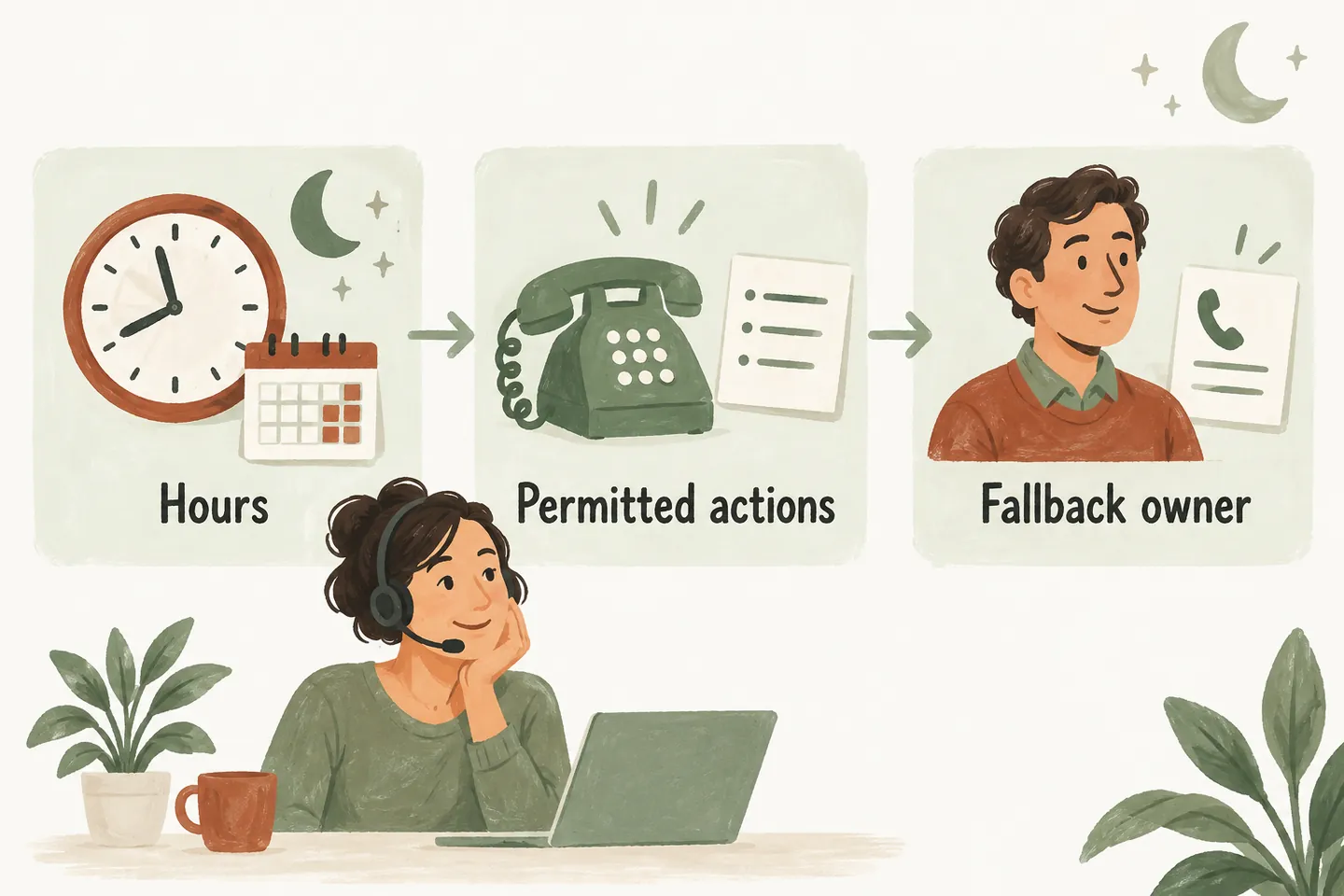
Separate call coverage from staff availability
Start by deciding which calls should reach an AI receptionist for small business: missed calls, selected hours or a broader set of incoming calls. Conditional forwarding can preserve your existing business number; its operation must be tested with your carrier, whose terms and charges still apply.
Then write a separate staff schedule. A receptionist may collect an enquiry while the office is closed, but that does not create an on-call employee. Name who reviews requests when the business reopens and who, if anyone, accepts transfers before then. Keep the public greeting consistent with that real availability.
Specify a business timezone, regular opening hours and dated closure exceptions. Avoid an undefined “tomorrow” or “next business day” when the caller could reasonably understand a different day. Agree the desired rules during setup; a planning worksheet does not itself configure them.
Complete a coverage worksheet before activation
The following example is fictional. Example Service Company has a weekday office and limited evening human coverage. These windows and roles illustrate decisions to make, not recommended hours or claims about automatic staff scheduling. Confirm which actions your approved setup supports.
| Coverage window | Permitted actions | Human availability | Fallback and review owner |
|---|---|---|---|
| Monday–Thursday, 17:00–20:00 | Approved answers and requests; eligible bookings only when enabled. | Approved on-call contact accepts designated transfers. | If unanswered, record a request; office lead reviews at the next opening. |
| Monday–Thursday, 20:00–09:00 next day | Approved answers and request collection; no assumed overnight response. | No overnight transfer contact in this example. | Office lead reviews requests when the office next opens. |
| Friday 17:00–Monday 09:00 | Approved answers and request collection under weekend instructions. | No weekend staff coverage in this example. | Monday office lead owns review, unless a dated closure changes reopening. |
| Dated holiday closure; enter exact start and end | Use approved closure information and collect requests. | Record any specifically approved holiday contact; otherwise none. | Name the reopening owner and review time before the closure begins. |
Dated closure instructions should take precedence over the ordinary week in the approved plan. Review overlapping windows with the setup team. If a person’s availability changes, confirm the supported update process before changing what callers are told.
Keep hours, closure wording and the person responsible for reviewing them in your approved-answer knowledge base. That gives the coverage plan an accountable human owner.
Describe review timing without promising a callback
A useful message distinguishes three events: the request was recorded, the team will review it, and someone will contact the caller. Only promise a callback deadline when your business has explicitly approved and can meet it. An internal review target is not automatically a customer-facing guarantee.
Ask for a preferred callback time when useful, but label it as a preference. The review owner should see what the caller requested and what the receptionist actually said. Do not let a hopeful time suggestion become a promise in the handoff.
Choose booking, request and transfer paths deliberately
An approved question can be answered after closing without promising staff availability. A service request can preserve the caller’s details for later review. Booking needs a separate decision: which visit types, availability and rules may be offered while the office is closed?
As checked October 16, 2026, production booking requires an enabled workflow and connected Google Calendar; the homepage describes Calendly support as forthcoming. Confirm an appointment only after it saves successfully. If it cannot be saved, explain that you are collecting a request instead. A calendar opening is not a technician arrival guarantee.
Use the AI receptionist call flow to connect each outcome to your coverage worksheet. Check that a weekend request cannot accidentally receive weekday callback wording.
Make an unanswered transfer an explicit outcome
The current service supports transfers to an approved owner or on-call number with an agreed fallback. That fallback matters most when the contact does not answer. Decide who owns the resulting request and what the receptionist can accurately tell the caller; do not suggest that a transfer attempt means someone accepted responsibility.
Owner-defined urgent concerns need approved handling limits too. A recorded message is not emergency assistance, and the receptionist must not diagnose a problem, promise dispatch or invent an arrival time. Review the caller-facing wording and permitted next step with the responsible person before activation.
Test weekends and holiday exceptions, not just weekdays
- Place a fictional call just before and after a coverage boundary. Check the greeting, permitted action and stated review timing.
- Test a weekend followed by a dated office closure. Confirm the stated reopening reflects the exception, including the timezone.
- Leave the approved transfer unanswered. Confirm the fallback records a request without promising that someone is coming.
- Test an unavailable appointment or failed save. The caller should hear a request acknowledgement, not a confirmed booking.
- Have the named review owner read the resulting details and explain the next action. Fix unclear responsibility before activation.
You can try the live AI receptionist demo with fictional, nonsensitive details. The website uses sample actions and does not create real customer appointments. Request a personal demo to check your coverage windows, approved wording and fallback requirements.
Sources and further reading
YOUR CALLS, YOUR NEXT STEP
Try an after-hours enquiry.

Use a fictional evening or weekend question in the sample demo. Request a personal demo to review the hours, allowed actions and human fallback your business needs.