Holiday phone greetings that match your actual opening hours
A holiday business phone greeting should state the confirmed closure or reduced hours, explain what callers can still do, and give an accurate next step. Approve the start and end of the temporary message as carefully as its wording. A receptionist answering a holiday call does not mean staff are available, a booking is confirmed or a callback has been promised.
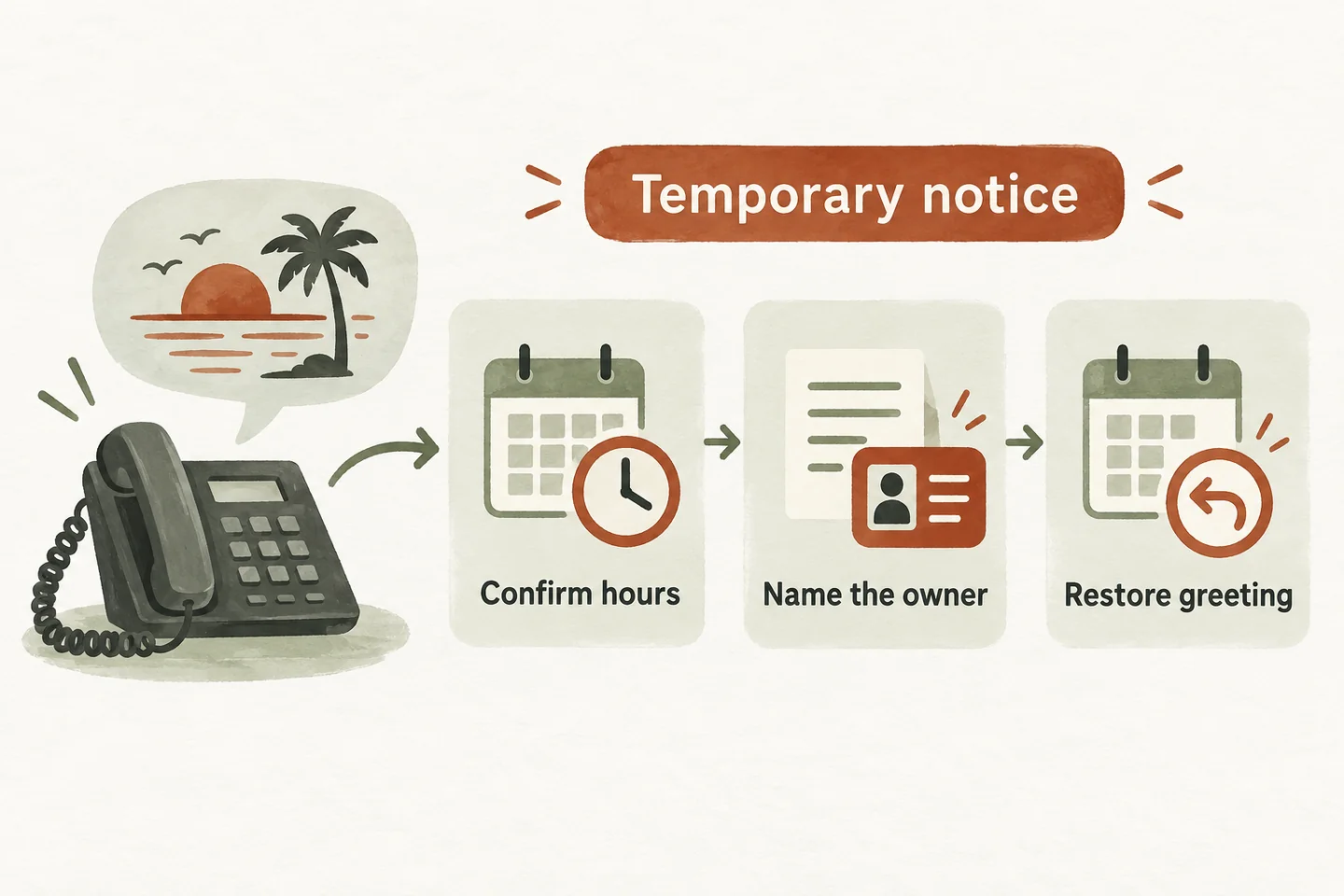
Confirm the operating window before writing the message
Ask the person responsible for staffing to approve the exact dates, times and business timezone. Record reduced hours separately from a full closure. A national holiday list cannot tell you whether your own office, field crew or callback owner will be working. Use the business decision as the source for the greeting.
Avoid relative phrases such as “tomorrow” in a temporary draft that might stay active for several days. Include the month, date, year, time and timezone in the approval record. Check the spoken weekday against the date. If reopening is uncertain, do not substitute an optimistic time; approve a limited message and a review deadline.
Keep ordinary openings in your small business phone greeting script. This checklist adds the date controls and handoff decisions that a temporary holiday notice needs.
Copy this dated approval sheet
Complete one sheet for each temporary period. The blank fields are intentional: no example below establishes your actual opening hours. Have the operator and a second reviewer compare the spoken message with the approved record before it is used.
| Field | Complete and approve |
|---|---|
| Business and location | [Business / location / timezone] |
| Temporary period | Starts [YYYY-MM-DD, time]; ends [YYYY-MM-DD, time] |
| Office position | [Fully closed / reduced hours]; confirmed reopening [date and time] |
| Available actions | [Approved answers / saved requests / specifically tested actions] |
| Staff review | [Named role]; first review [date, time or approved window] |
| Approval | [Reviewer name]; approved [date and time]; version [reference] |
| Expiry and backup | [Update owner]; restore by [date and time]; backup [name] |
| Evidence | Before-closure test [date/result]; reopening test [date/result] |
Keep the signed-off wording beside the record. If someone changes the reopening time, they should also review the staff-review statement and the expiry deadline. Treat these as one change; otherwise the opening sentence can be correct while the promised next step is stale.
Choose wording for the actual situation
These are original, hypothetical templates for an AI receptionist. Replace every bracket, remove unavailable actions, and approve the finished version. They describe operating instructions; pasting them into a document does not configure timed switching or a calendar.
Use the third version only with a real review owner and a deadline for updating the notice. It is an honest temporary fallback, not a substitute for confirming staffing. Do not mention a callback window until someone has approved it.
Separate answering, recording and responding
The greeting should promise only what the configured holiday workflow can actually complete. Approved business questions may still be answerable while the office is closed. Taking a request is different from a staff member reading it. A preferred appointment time is different from a saved booking.
The current AI receptionist for small business offer uses approved hours and business information, captures requests and supports configured actions. Confirm the temporary wording and any routing change during setup or review. Do not assume holiday switching, automatic expiry or synchronization with other public listings.
If an approved person remains available, verify that person’s coverage before offering a transfer. Otherwise use the agreed message path. Only describe a request as recorded after its save is confirmed. Avoid “someone will call you shortly” unless the business has approved and can support that commitment.
Check the other places callers see your hours
Compare the phone notice with your website and any business listing you control. Review each channel separately and test the receptionist after updating its approved information.
Give each channel an owner. Include service-specific limits when office hours and actual service availability differ. A caller should not hear “closed” and then receive an unsupported promise that a technician, stylist or property manager is available. Resolve inconsistencies before approving the greeting.
Test the change and its expiry
- Before closure, read the final notice aloud and ask a colleague to repeat the reopening date and available help.
- In the supported preview, ask when the office opens, request a person, and request a booking. Compare each answer and action with the approval sheet.
- Check the actual process for activating and removing the temporary wording. Record whether an authorized person must make the change manually.
- After reopening, verify the regular greeting, hours and transfer instructions. Mark the expiry check complete only after observing the live result.
Keep the full routing decisions in your AI receptionist call flow. To hear the conversation style, try the live AI receptionist demo with fictional, nonsensitive details. It opens configuration and requires you to press Start. The sample does not prove holiday scheduling or real bookings; request a personal demo to review your specific change process.
Sources and further reading
YOUR CALLS, YOUR NEXT STEP
Hear the greeting, then review your holiday plan.

Try a fictional enquiry in the live demo. Request a personal demo to verify your approved dates, available actions and process for restoring the regular greeting.