What to prepare before your AI receptionist setup session
Before your AI receptionist setup session, prepare a small, approved pack of business facts, permitted actions, fallback contacts and fictional test calls. Give each unresolved item an owner, and decide who can approve the finished configuration. The useful outcome is a reviewable setup with clear limits and one current version of each approved source. Use this checklist to organize the handoff, then confirm the actual scope before real customer calls begin.
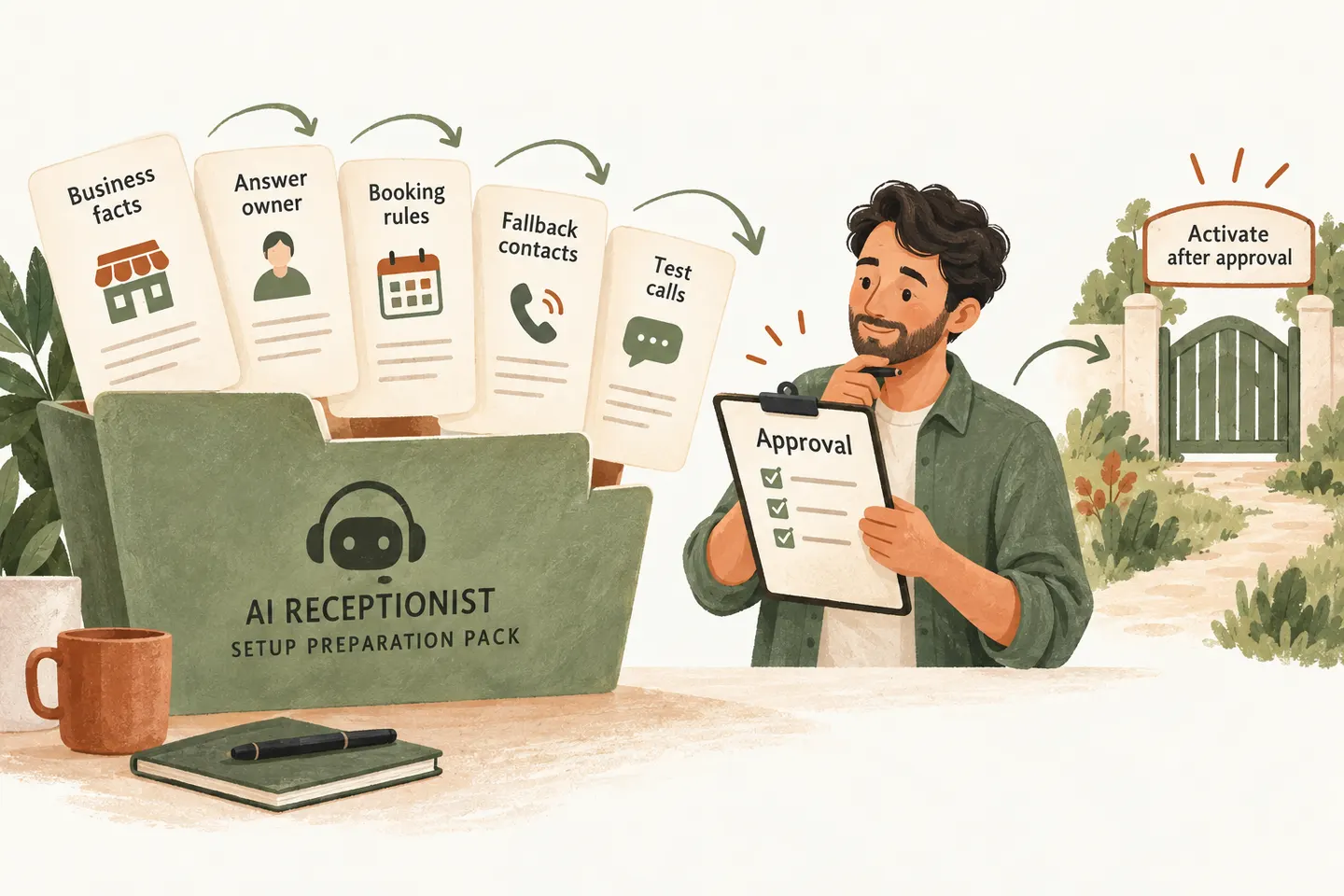
Gather approved business facts and exclusions
Start with the calls you want covered: missed calls, overflow, after-hours calls or another agreed route. State the business and location involved. Then gather the current hours, holiday exceptions, service area, services and answers to common caller questions. Separate a fact the receptionist may repeat from a decision that belongs to staff.
If you are evaluating an AI receptionist for small business, use the pack below to identify what is ready and what needs a decision. It is an original preparation worksheet, not a claim that every listed action is included in a particular plan.
| Pack item | Bring to the session | Ready when |
|---|---|---|
| Business facts | [Approved name, location, hours, service area and dated source] | One current version resolves conflicting details. |
| Services and FAQs | [Permitted answers, exclusions and questions for staff] | The answer owner has reviewed the wording. |
| Booking rules | [Supported calendar, appointment purpose and availability rules] | Requested actions and remaining connection checks are explicit. |
| Transfer and fallback | [Approved contact, coverage periods and unanswered-call path] | A responsible person accepts each follow-up duty. |
| Test calls | [Fictional scenario, expected outcome and failure case] | The result can be checked without customer-sensitive data. |
| Approval record | [Reviewer, unresolved items and activation conditions] | The reviewer can approve the exact configuration or hold it. |
Keep readable source documents together and label superseded versions. Bring an approved summary when a large document contains irrelevant or private material. Do not put account passwords, payment information or real customer records into the preparation pack.
Assign the person who can approve answers
Name one person who can resolve conflicting instructions during setup. That person may need input from a scheduler, service manager or owner, but the final approval path should be clear. A contact who can attend the session but cannot decide policy leaves important questions unanswered.
For individual answers, use the knowledge-base source and owner worksheet. This setup pack has a different job: it shows which materials are approved, which decisions remain open and who must participate in the review. Avoid copying the same policy into several competing files.
Document booking and transfer rules
Write the permitted outcome for each common call. Can it receive an approved answer, leave a request, book an appointment or reach a person? Mark actions requiring review. Include what happens when the caller asks for an unsupported service, no suitable time is available or the intended person does not answer.
Use an AI receptionist call flow to connect those outcomes. For calendar-specific preparation, the Google Calendar readiness checks cover the exact account, calendar and saved-result tests. Do not assume that a calendar connection proves compatibility with every booking action or industry system.
Our current service description makes Google Calendar booking conditional on an enabled workflow and a connected calendar; confirmation follows a successful save. Transfers use approved contacts and an agreed fallback. Bring those rules for review, and distinguish a captured request from a completed action. Never assume an unavailable person can receive a live handoff.
Provide realistic test calls without customer-sensitive data
Prepare a few short scenarios based on the kinds of calls your business receives, using invented names and details. Write what the receptionist should say or record before the test. This makes it easier to notice an unsupported promise instead of judging only whether the conversation sounds friendly.
- Routine enquiry: ask about an approved service and check the answer against its source.
- Unclear request: leave out a relevant detail and check whether it is clarified or marked unknown.
- Unavailable next step: make the approved contact unavailable or use a controlled booking-failure test; check the fallback wording.
- Outside scope: ask for an unsupported action and check that the result remains a request for staff review.
Agree on a safe way to test any real connection with the setup team. A website sample conversation does not create real customer appointments or establish that your production calendar is configured. Record the observed result, the expected result and the owner of any correction.
Define approval and activation criteria
Before approving, review the exact business facts, action boundaries and fallback destinations that will be used. Essential open items should be resolved or explicitly excluded from the agreed scope. Recheck any corrected scenario. Choose a staff member to review early exceptions and report changes through the approved support process.
Use the answering-service evaluation checklist to keep quoted scope, exclusions and outstanding provider questions together. Our published offer includes standard setup and one assisted preview revision for one business, location, receptionist and supported calendar. Approval and paid activation are separate from preparing this pack; do not treat a completed checklist as permission to route real calls.
You can try the live AI receptionist demo with a fictional, nonsensitive enquiry. Configuration opens first; press Start when ready. Request a personal demo as the next step to review your preparation pack and confirm the actual workflow before production activation.
Sources and further reading
YOUR CALLS, YOUR NEXT STEP
Bring an approved preparation pack to your personal demo

Try a fictional enquiry, then request a personal demonstration to review your business facts, action rules, fallback contacts and unresolved setup decisions.