Build an approved HVAC FAQ library for phone enquiries
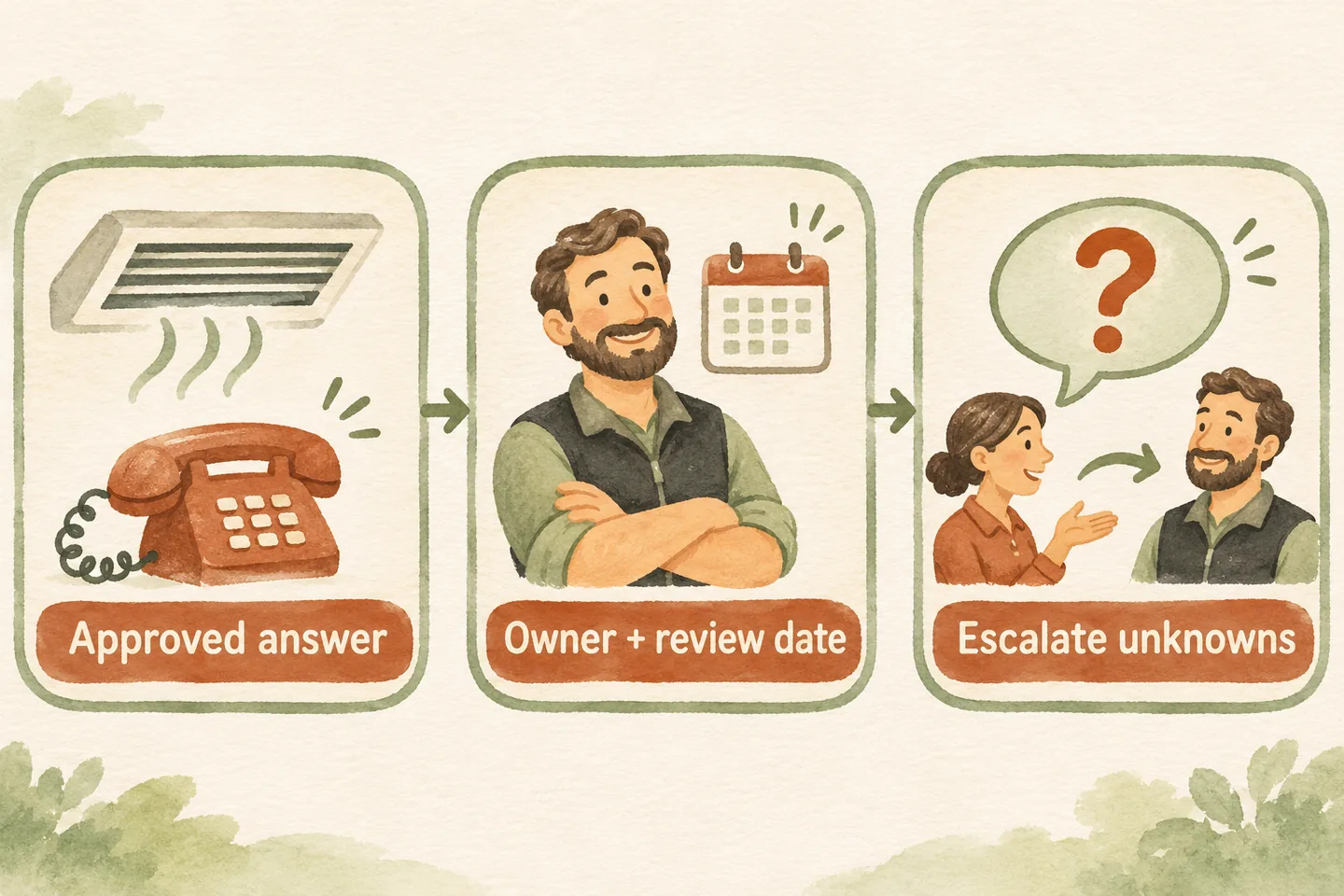
Build an HVAC approved FAQ knowledge base around questions your office can answer from current business policy: services, hours, coverage and the booking process. Give each answer a source owner, revision date and escalation trigger. Keep equipment-specific judgments outside the library, and test the approved wording before making it available to callers.
Start with four everyday question groups
An HVAC answering service needs more than a collection of heating and cooling facts. Start with recurring questions your team actually receives. Rewrite examples without customer names, addresses or account details. Group them under services offered, office hours, service coverage and what happens after someone requests a visit.
Under services, list the work your business accepts and any exclusions the office can explain. Under hours, distinguish office opening times from technician availability. For coverage, use your approved area definition and an exception route. For booking, describe only the appointment types and actions your actual setup supports.
Record the caller’s wording alongside the approved question. “Do you work on boilers?” and “Can you fix my boiler today?” may share a subject, but the second adds suitability and availability questions. Keep those conditions visible instead of letting one broad answer cover both.
Use an editable HVAC answer inventory
Copy this original inventory into your working document. Bracketed fields are blanks to complete; suggested owners are roles to assign. These are planning examples, not approved policies for a real HVAC business. Each row needs the actual wording your team permits, not just a link to a long document.
| Question and answer to approve | Source and owner | Revision date | Escalation trigger |
|---|---|---|---|
| Which systems do you service? Answer: [accepted equipment and work; explicit exclusions]. | [Service-list version]; [service manager]. | [Date this answer was revised]. | Equipment or requested work is absent from the approved list. |
| When is the office open? Answer: [hours, timezone and current exceptions]. | [Hours policy version]; [office manager]. | [Date this answer was revised]. | Caller asks about technician attendance or an unconfirmed closure. |
| Do you cover my area? Answer: [approved coverage rule and location detail needed]. | [Coverage policy version]; [operations owner]. | [Date this answer was revised]. | Location is unclear, outside coverage or subject to an exception. |
| How do I arrange maintenance? Answer: [eligible visit type and actual request or booking process]. | [Appointment rules version]; [booking owner]. | [Date this answer was revised]. | Eligibility, included work or a completed booking cannot be established. |
Add a record ID, reviewer, next review date and current state beside each row. Use “draft,” “approved” or “needs review” as manual working labels. Record where the approved wording is used so a later revision reaches every relevant answer. These fields are your editorial controls, not claimed product features.
The general approved-answer knowledge base template supplies the wider record structure. This HVAC inventory narrows the work to recurring phone questions and their seasonal or service-specific exceptions.
Keep business answers separate from equipment advice
A service list can say which equipment your business accepts for enquiries. It cannot establish what is wrong with a particular unit, which part needs replacing or whether continued operation is safe. Do not turn a manufacturer brochure or a familiar symptom into receptionist troubleshooting instructions.
Use the HVAC receptionist troubleshooting boundaries guide to define question-level limits. Your FAQ library should point to the approved handoff when a question crosses that boundary. Safety concerns need separately reviewed response instructions; a routine callback request must not be described as emergency assistance.
Make revisions traceable and retire old wording
Give the source owner a short review task: confirm the answer, check every qualification and identify which other entries depend on it. A change to accepted equipment can affect both the service-list answer and maintenance eligibility. A revised holiday schedule can affect office-hours wording without changing any existing appointment.
Keep a short change note and replace conflicting production wording through the supported update process. A revision date records when text changed; a review date records when someone checked it. Neither date proves that the live configuration was updated. Verify the published answer after the change and retain the approval evidence.
Write an honest unknown-answer response
For an ordinary question outside the approved library, use a clear limit and an available next step: “I do not have an approved answer for that detail. I can take your question for the service team to review.” Adapt the wording to the configured handoff and what the business can actually deliver.
Capture the unresolved question without guessing the answer. Confirm receipt only after capture succeeds, and give a response window only when the team has approved one. If a transfer is offered, distinguish that offer from a completed connection. Repeated questions belong on the owner’s review list; repetition alone does not authorize a new answer.
Test recurring questions before publishing changes
Choose fictional versions of recurring calls, including a straightforward question, a service exception, an outdated-hours assumption and a question that shifts from business policy to technical advice. Write the expected answer and escalation before testing. Review the spoken response for missing conditions, invented certainty and an accurate next step.
Our current AI receptionist for small business offer supports approved business information and a draft preview and publication process for supported updates. Review your actual configuration; an inventory document does not establish a software connection or guarantee correct answers. AI can misunderstand a caller or respond incorrectly.
You can try the live AI receptionist demo with a fictional, nonsensitive question. The homepage configuration opens first; press Start when ready. The sample does not prove your HVAC library is loaded. Request a personal demo to verify your approved answers, supported update process and human handoff.
Sources and further reading
YOUR CALLS, YOUR NEXT STEP
Try a fictional HVAC business question

Test an ordinary FAQ and a question that needs staff review. Request a personal demo to check your approved wording, supported updates and human handoff.