Electrician answering service: capture routine work while the team is on site
An electrician answering service should leave your office with a clear request, not an unapproved promise. When the team is working on site, callers may need an estimate, an appointment or an answer that requires professional judgment. Define which ordinary enquiries the receptionist can handle, what it should record and who decides the next step.
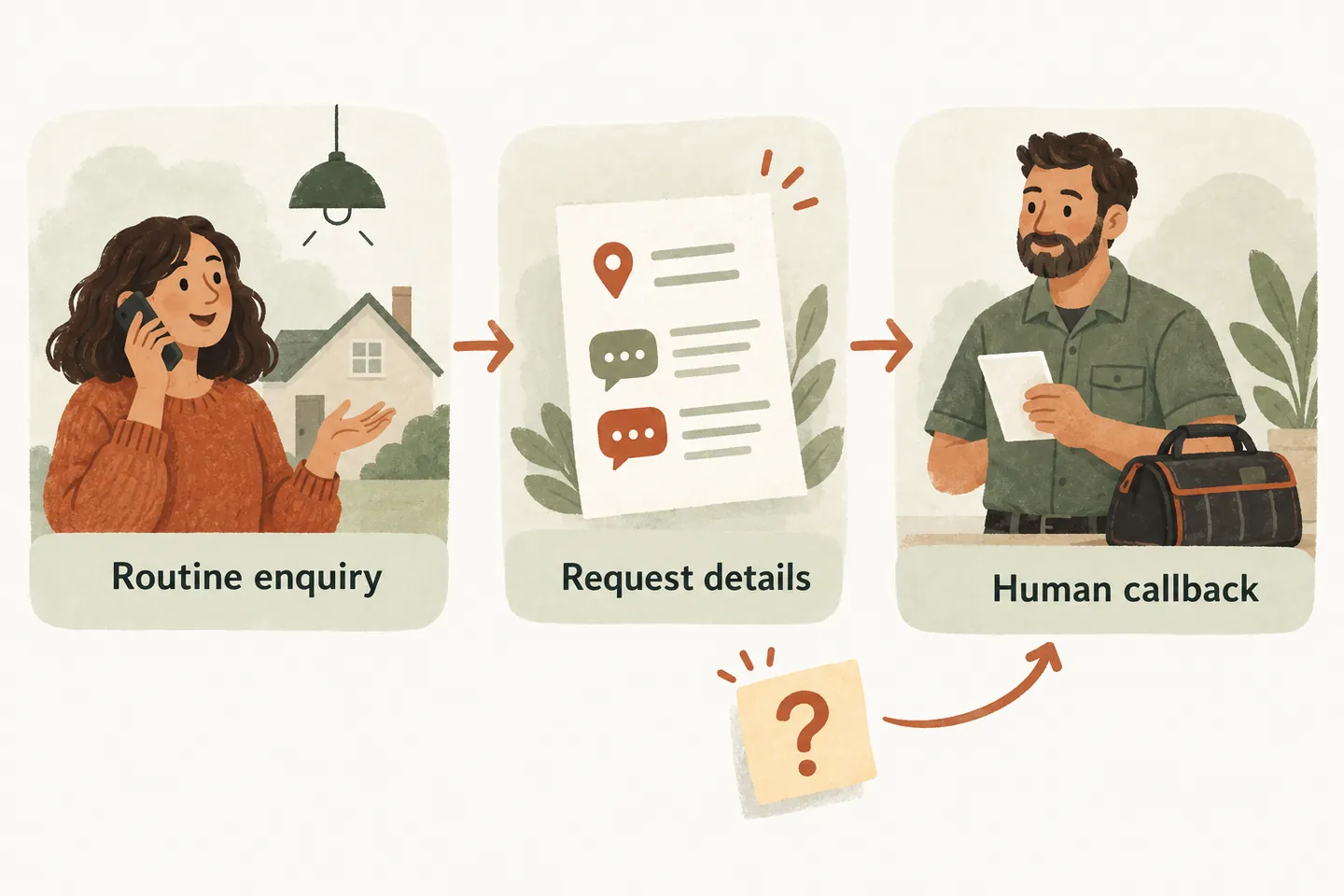
Define accepted work before collecting enquiries
Start with the ordinary work your business actually accepts: perhaps lighting installation enquiries, planned upgrades or visits to discuss a project. Specify residential or commercial scope, service areas and exclusions. A category is permission to collect an enquiry, not evidence that a particular job is feasible, correctly priced or ready to schedule.
Put approved service descriptions in your business knowledge base. Give unfamiliar requests a human-review path. Avoid inferring equipment compatibility, work requirements or permission to proceed from the caller’s description.
Choose the coverage you need while staff are occupied. Conditional forwarding can route missed or overflow calls while preserving your business number, subject to carrier testing, terms and charges. Forwarding does not move your SMS service.
Use an intake worksheet that separates facts from decisions
Adapt this original worksheet with the office. Ask for information the caller already knows; “not sure” is a useful answer. Do not send someone to inspect, open, test or photograph electrical equipment to complete a form.
| Intake field | Record | Leave for human review |
|---|---|---|
| Contact | Caller’s name, callback number and preferred contact time. | Whether the team can meet that preferred time. |
| Location and fit | Service address, property type and the work requested. | Unclear service-area coverage or an unfamiliar job category. |
| Project description | The caller’s own words about the desired work. | Technical scope, equipment suitability and any assessment required. |
| Existing enquiry | Whether this concerns a new request or a previously discussed job. | Job status or records the receptionist cannot verify. |
| Visit preference | Requested date, relevant access arrangements and contact person. | Staff availability, access approval and the appropriate appointment type. |
| Next action | What was explained, what remains unanswered and who reviews it. | Price, feasibility and commitments beyond approved information. |
Keep the description separate from conclusions. “Caller wants two new light fittings” is a request; “two fittings can be installed in one hour” adds an unsupported decision. Avoid collecting payment details, access codes or other information unnecessary for the callback.
Test three fictional enquiries before activation
These examples use invented callers and an imaginary electrical business. The outcomes illustrate intake decisions, not actual customer results or promised product automation.
Keep a requested visit separate from a saved appointment
As checked October 17, 2026, our published booking offer requires an enabled workflow and a connected Google Calendar. Calendly is described as forthcoming. Verify which appointment types and timing rules your setup supports; a calendar connection does not establish field-service integration, technician assignment or job suitability.
Read back the agreed date, time, timezone and visit purpose before proceeding. Confirm only after the booking saves successfully. If the result is unclear, leave it unconfirmed for staff review rather than creating another event or promising attendance.
Use the AI appointment scheduling checklist to test the distinction. A consultation can be confirmed without promising an electrical repair, installation or final quote.
Give unknown questions and safety concerns a human boundary
Agree handling limits before calls are forwarded. The receptionist must not diagnose faults, offer troubleshooting steps, assess hazard severity or tell someone equipment is safe. It must not interpret permits or regulations, promise emergency dispatch or guarantee when an electrician will arrive.
Reported safety concerns belong outside the ordinary estimate workflow. The business must approve appropriate caller-facing instructions and escalation limits before activation. A callback request or unanswered transfer is not emergency assistance. Do not test hazardous scenarios by improvising technical advice.
Check how the AI voice agent handles calls with your own approved example. A transfer requires a configured destination and someone available to answer; decide the fallback when that person is unavailable.
Assign a callback owner and test the complete handoff
Name who reviews routine estimates, existing-job questions and requests outside the approved scope. Set an internal review window without turning it into a caller-facing callback guarantee. Check that staff can distinguish the caller’s preferences from promises actually made. This is a manual operating plan, not an automated dispatch feature.
When you design an AI receptionist call flow, replay the three enquiries and an unanswered transfer. Have the review owner explain the next action from the resulting details. Fix ambiguous wording before using the flow for customers.
You can try the live AI receptionist demo with fictional, nonsensitive details. Its sample actions do not create real customer appointments. Request a personal demo to verify your accepted work, booking prerequisites and human handoff.
Sources and further reading
YOUR CALLS, YOUR NEXT STEP
Try a routine electrical-work enquiry.

Use fictional details in the sample demo. Request a personal demo to check accepted services, a supported booking workflow and the human who owns each unanswered question.