AI receptionist for salons: check service, stylist and calendar fit
An AI receptionist for salons is useful when the caller’s requested service, provider and appointment length fit the supported workflow. For a single-provider salon, start with approved questions and a small service menu. Keep anything requiring a stylist’s judgment as a request, and confirm appointments only after a supported booking saves successfully.
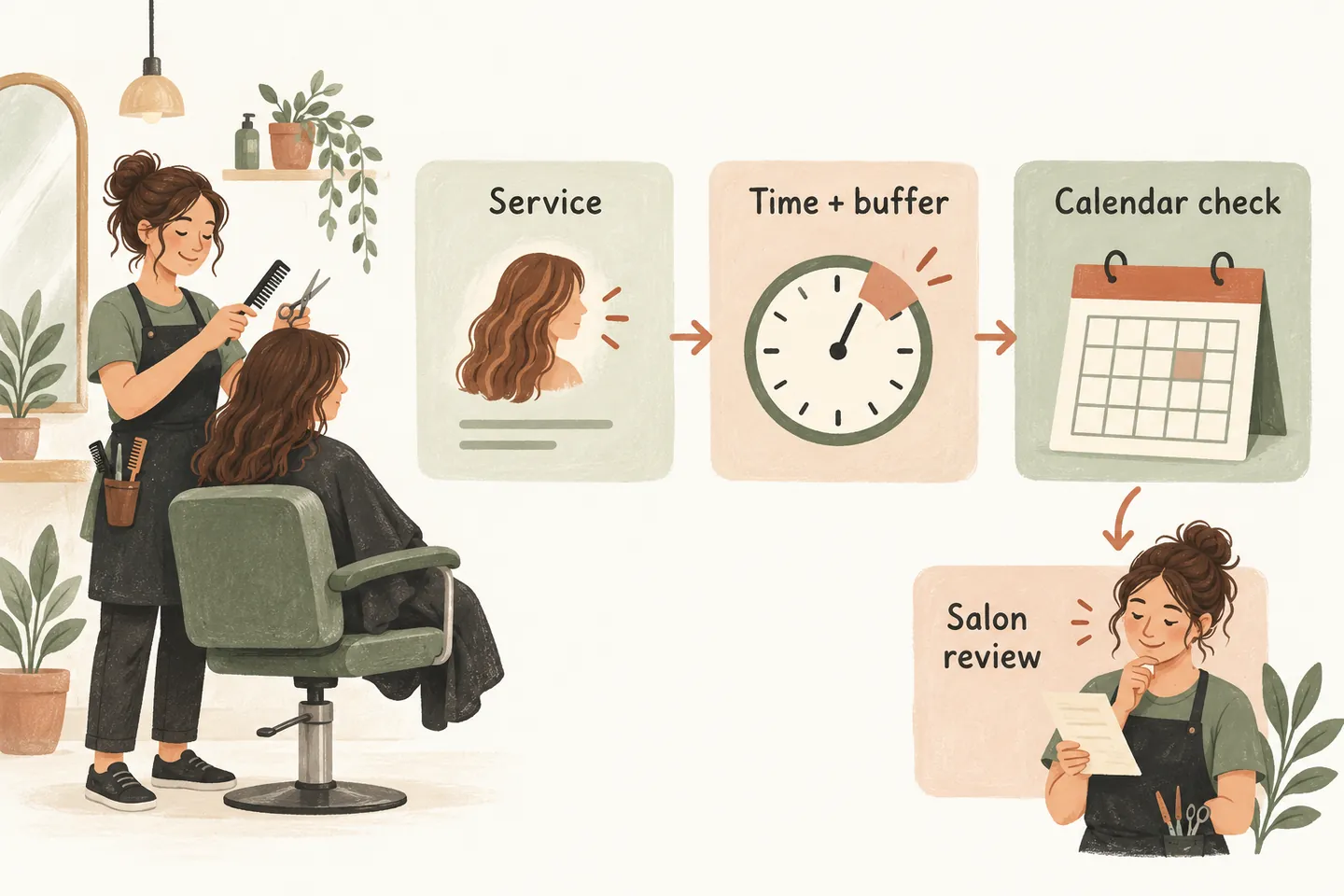
Start with one provider and one reliable calendar
A solo stylist may need calls answered while working with a client. That does not mean every enquiry should become an appointment. Separate questions about approved services and hours from booking requests, changes to existing visits and enquiries that need personal advice.
Our AI receptionist for small business offer covers one business, one location, one receptionist and one supported calendar. Treat another stylist’s availability as unknown unless the actual setup supports it. Capturing a preferred provider is different from checking or reserving that provider’s diary.
Translate your service menu into timing requirements
The following fictional Example Salon has one provider. These three examples show the arithmetic an owner might use, not recommended salon durations or included software settings. Replace every value with the salon’s approved requirements, including any preparation or reset time that must remain unavailable.
| Service | Service time | Reset time | Total window | Before offering |
|---|---|---|---|---|
| Approved haircut | 45 minutes | 15 minutes | 60 minutes | Confirm the caller wants the defined service. |
| Approved blow-dry | 30 minutes | 10 minutes | 40 minutes | Check the request matches the approved description. |
| Initial style consultation | 20 minutes | 10 minutes | 30 minutes | Explain this is a consultation, not the service itself. |
For example, a 2 p.m. haircut in this fictional plan needs the provider’s time through 3 p.m. A 45-minute gap is insufficient if the required reset cannot fit. The caller should hear the service start time and expected visit length; staff must also protect the remaining time.
Do not assume the receptionist automatically selects a different duration or buffer for each service. Demonstrate that behavior during setup. If it cannot be verified, restrict direct booking to a supported appointment type and collect other requests for staff review. The appointment-readiness worksheet provides the underlying checks.
Use a service, provider and outcome worksheet
Write down the answer or action permitted for each type of call. The worksheet below is an original planning aid. The owner approves its rules; it does not activate integrations or replace the salon’s existing booking process.
| Caller need | Details to clarify | Permitted outcome | Human ownership |
|---|---|---|---|
| Service or hours question | Which service or date? | Give only the current approved answer. | Owner maintains the information. |
| Routine appointment | Exact menu service, provider preference, date and contact details. | Attempt an eligible booking only through verified rules. | Owner reviews any failed or unclear result. |
| Different stylist requested | Preferred person and acceptable alternatives. | Record the preference without claiming their availability. | Salon confirms provider fit. |
| Complex service enquiry | Brief description and callback details. | Request a conversation with the stylist. | Stylist determines scope and next steps. |
| Existing booking change | Caller details and the appointment they mean. | Record the requested change unless that action is explicitly supported. | Salon verifies the existing booking and responds. |
Use this worksheet when you design an AI receptionist call flow. An unresolved preference or missing service detail should lead to a useful request, not an improvised booking.
Check the actual Google Calendar connection
As checked October 17, 2026, our public offer supports booking when the workflow is enabled and Google Calendar is connected. Calendly support is described as forthcoming. Confirm which calendar receives the event and which availability rules the production setup actually uses.
Google’s appointment-scheduling overview describes duration, availability and buffer settings for Google’s own booking pages. Some features depend on the account subscription. Their presence in Google Calendar does not prove a connected receptionist inherits them. Test the receptionist’s supported behavior separately.
Check an occupied period, a break and a slot near closing. An empty-looking gap is not enough if the full service window will not fit. A requested time becomes confirmed only after the booking saves; unclear results need review before another event is created.
Leave complex service decisions with the stylist
A caller may use “colour appointment” for very different work. Ask enough to identify the enquiry and arrange the right conversation, but do not decide whether a technique is suitable or promise a final price or completion time. Use only owner-approved explanations about consultations and next steps.
Requests involving colour correction, extensions or combined services should stay with the salon whenever scope or timing is uncertain. Avoid collecting unnecessary sensitive information. Understanding how the AI voice agent handles calls helps keep a confident conversation separate from permission to make a commitment.
Test available and unavailable slots with fictional calls
- Request an approved service during a known available window. Verify the correct calendar, start time and complete reserved period, then check the saved result.
- Request the same service across a blocked period or near closing. Check that the answer respects the verified timing rules rather than squeezing the appointment into an unsuitable gap.
- Ask for a different stylist or a complex service. Confirm that a preference or enquiry is recorded for review without inventing availability, treatment advice or a quote.
- Simulate a booking that cannot complete. The caller should hear that the request needs review, and the owner should receive enough context to follow up.
Record the expected and observed outcomes. Where an approved test creates a real calendar event, identify and remove it afterwards through the supported process.
Begin with a narrow rollout and clear exclusions
If the checks pass, consider one limited lunch-break overflow window before expanding coverage. Review whether the service descriptions and requests help the stylist work without extra clarification.
Do not assume native Fresha, Booksy or Square integration, multi-staff scheduling, deposit collection, SMS reminders or automatic cancellations. Verify any required capability before using it. You can try the live AI receptionist demo with a fictional enquiry; the sample does not handle customer calls or create real appointments. Production requires approved setup and paid activation.
Sources and further reading
YOUR CALLS, YOUR NEXT STEP
Try a fictional salon enquiry.

Hear a sample conversation, then request a personal demo to review one provider’s services, timing requirements and calendar. Confirm the supported booking and staff-review paths before production activation.