Capture seasonal service waitlist requests without promising a slot
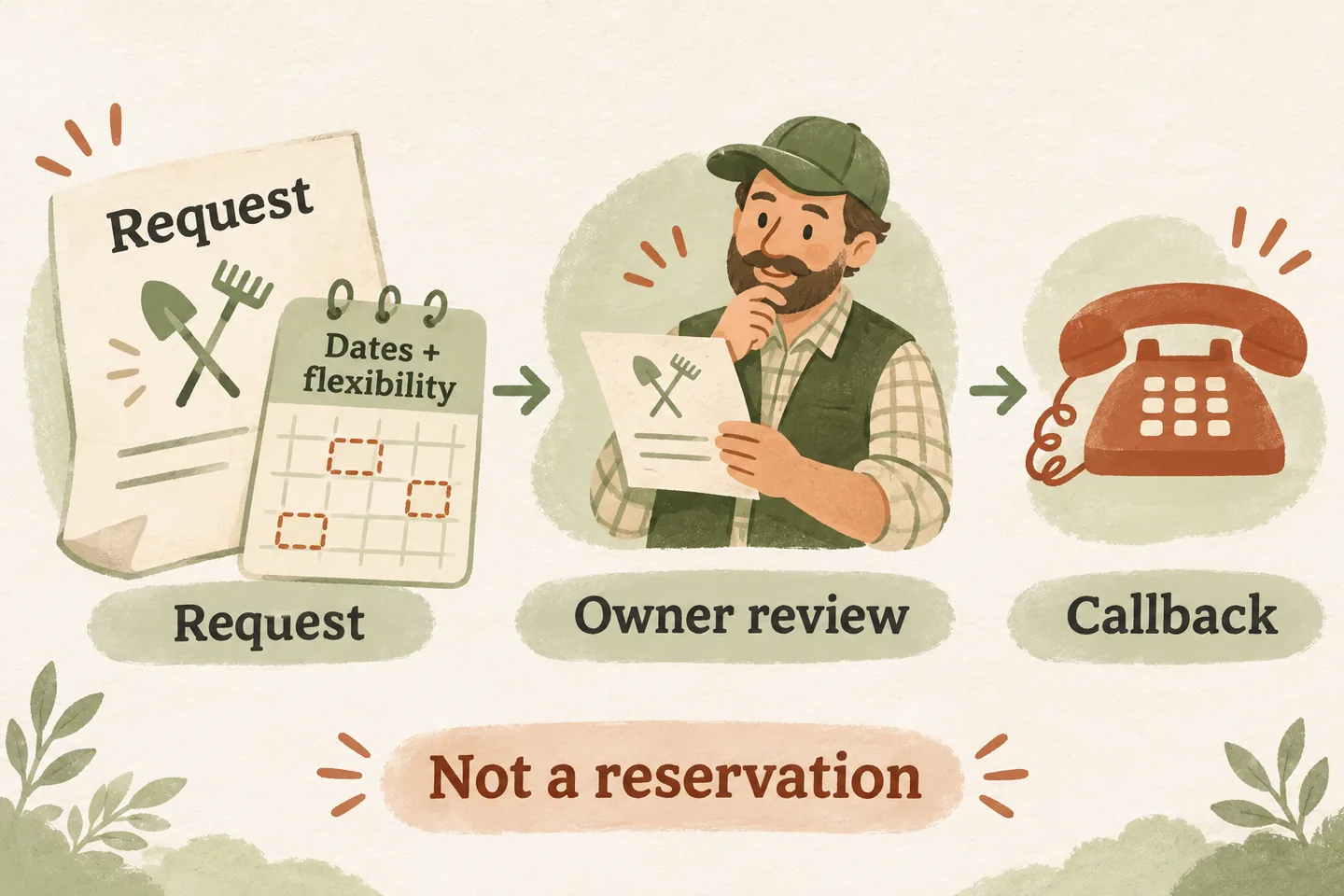
Seasonal service waitlist intake should record a request for later consideration, not reserve an appointment. First confirm that the business actually accepts a waitlist for that service. Then capture the customer’s acceptable dates, flexibility and contact details, identify the person who reviews openings, and explain what remains unconfirmed. Keep the request open only under the business’s approved review and closure rules.
Confirm that a waitlist exists before offering it
A full calendar does not automatically create a waitlist. A plumbing business might accept requests for planned seasonal work while declining additional bookings for another service. The owner must decide which jobs qualify, whether requests have a defined review order and when the list closes. If those rules are missing, capture an ordinary enquiry for staff instead of telling the caller they have joined a queue.
Start with your plumbing answering service rules for service categories, location and human ownership. Add a separate policy for seasonal demand: accepted work, intake dates, review owner, permitted contact wording and the event that ends each request. A list without an accountable reviewer gives the caller little practical clarity.
Our AI receptionist for small business can use approved business information and capture service requests. That does not establish automatic waitlist ranking, cancellation matching or outbound offers. Treat the worksheet below as a proposed manual staff process, then verify which intake details your actual configuration can record.
Use a form that records flexibility and ownership
This original planning form is for owner review, not an existing app screen. Use one request reference per enquiry and confirm the facts aloud. Collect enough information for a useful next contact, while avoiding payment information, entry codes or unrelated personal details. Keep an unknown answer marked unknown.
| Field | What to record | Boundary to preserve |
|---|---|---|
| Request and service | Reference, received date, requested work and service location. | Only owner-approved service categories enter this list. |
| Acceptable dates | Earliest date, latest useful date and days the caller cannot accept. | Write calendar dates rather than “next week.” |
| Flexibility | Acceptable time windows, notice needed and any stated constraints. | Do not interpret “flexible” as available at any time. |
| Contact | Confirmed name, callback number and approved contact method. | Record a preference without promising automated messages. |
| Review owner | Named staff role, review point and approved customer-facing expectation. | A callback owner is not a technician assignment. |
| Current outcome | Awaiting review, contacted, booked, withdrawn or closed under policy. | Record the reason and actual time of each staff update. |
Read the date range and notice requirement back together. A customer who can accept either Tuesday or Thursday with two days’ notice is different from someone willing to take any same-day opening. If the caller says the work must happen before a deadline, preserve that limit; do not quietly broaden it to make the request fit.
Make the request status clear at the end of the call
Use that wording only after the request has actually been captured through the supported workflow. If saving fails or cannot be confirmed, explain the uncertainty and follow the agreed fallback. Do not invent a place in line, likelihood of an opening or response deadline simply because the caller asks for reassurance.
The difference between an appointment request and a confirmed booking remains essential. A waitlist note expresses interest. An offered time still needs the required agreement and booking action. Production booking requires an enabled workflow and connected Google Calendar; confirmation follows a successful save.
Let the owner-led review decide what happens next
When staff review availability, compare the actual job type, location, visit duration and current opening with the recorded preferences. Follow the approved ordering policy rather than implying the earliest caller always receives the next cancellation. A newly available slot may be unsuitable for the requested work or too short for the visit.
Record a contact attempt separately from a response. A voicemail does not prove that the caller accepted a visit. If staff offer a time, document any owner-approved offer deadline and check the final booking state before closing the waitlist request as fulfilled. A cancelled appointment elsewhere is not evidence that this customer has been contacted.
Close stale requests and test the complete handoff
Define how staff handle withdrawal, an expired useful date, an unsuitable request and a completed booking. Update the request’s operational status so another reviewer does not offer a slot against stale preferences. This is a record-management procedure, not a claim that the product automatically expires, deletes or merges waitlist entries.
For a repeat caller, verify the relevant request before changing dates or creating another entry. Keep the previous preference distinguishable from the newly confirmed one. A safety concern or urgent service report must follow its approved handling boundary; a routine seasonal waitlist must not be presented as emergency assistance.
Test three fictional outcomes before relying on the process: a valid request with flexible dates, a caller who needs a guaranteed appointment, and a withdrawal before staff make contact. Check the captured note, spoken status and named owner in each case. Success means those facts agree, not that every caller receives an opening.
To hear the sample experience, try the live AI receptionist demo with a fictional seasonal enquiry. The link opens the homepage configuration; you must press Start to begin. Request a personal demo afterward to review your intake fields and staff handoff. The public sample does not operate a real waitlist.
Sources and further reading
YOUR CALLS, YOUR NEXT STEP
Try a fictional seasonal enquiry.

Hear the sample receptionist, then request a personal demo to check your intake fields, waitlist wording and staff review process. The sample does not reserve a real service visit.