Plumbing answering service: AI intake, booking and human handoffs
A plumbing answering service should leave your team with a clear caller, location, request and next step. An AI receptionist can support that work when its answers and actions match your business rules. Start with the calls you can safely accept, then define what becomes a request, a saved appointment or a human handoff.
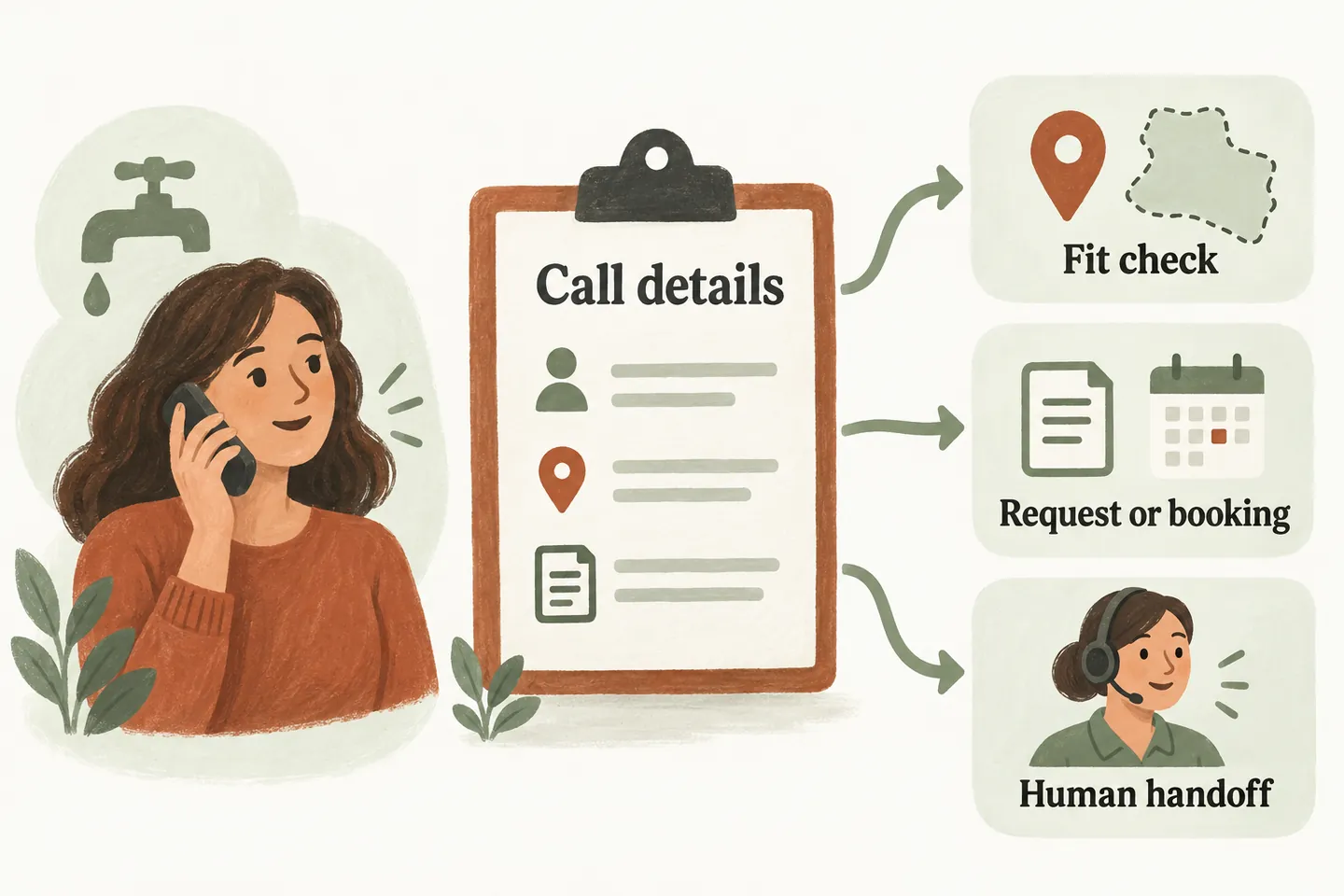
Choose the plumbing calls it should handle
A solo plumber taking overflow calls needs different rules from an office screening several service categories. Before evaluating an AI receptionist for small business, list the work you accept, your service area and who owns callbacks. Our current service can answer approved questions, capture requests and use configured booking or transfer workflows. It does not decide what work your business should accept.
Write down exclusions as carefully as accepted jobs: unsupported equipment, commercial work you do not take, or locations outside your boundary. If an address or request is unclear, make the next step a staff review. A guessed postcode match or a familiar-sounding job name is not enough to promise coverage.
Use the approved-answer knowledge base template to assign a human owner and review date to those rules. Keep prices conditional when staff must assess the work first.
Use one intake worksheet for every accepted enquiry
The worksheet below is an original planning tool. Adapt the questions to your approved setup, and collect only details needed for the next action. Read back the callback number and location when they are unclear. Avoid turning the call into remote troubleshooting.
| Record | Example question | How the team uses it |
|---|---|---|
| Caller and callback | What name and number should our team use? | Confirm a reachable contact; do not assume caller ID is correct. |
| Service location | What is the service address, including town and postal or ZIP code? | Compare with approved coverage; unclear boundaries need review. |
| Plain request | What would you like the plumber to look at? | Keep the caller’s description; do not convert it into a diagnosis. |
| Job-type fit | Is this a repair request, replacement enquiry or another service? | Match approved categories and exclusions without inventing expertise. |
| Timing | Are you requesting a particular day, or reporting an urgent concern? | Separate a preference from an availability commitment. |
| Next action and owner | Who receives this request, and what may the caller be told? | Record request, saved appointment or transfer attempt accurately. |
The handoff should let a person understand what is known, what remains unconfirmed and who acts next. Do not include payment-card details, access codes or unrelated personal information in a demonstration.
Walk through three fictional caller scenarios
Example Plumbing and the callers below are fictional. These are design examples, not customer results, operating policies or a claim that a particular plumbing workflow is already configured.
For the third scenario, agree the handling limits and caller-facing fallback before activation. An urgency label is not a dispatch decision, and an attempted transfer is not evidence that someone accepted responsibility.
Make the difference between booking and request audible
Production booking requires an enabled workflow and connected Google Calendar. A preferred time is not a reservation. An appointment is confirmed only after it saves successfully; if booking cannot complete, capture a request instead. Even a saved appointment should describe the agreed visit type, not promise a repair outcome, final price or technician arrival time.
Map those outcomes in your AI receptionist call flow. Test a full calendar, an unclear location and an unanswered transfer. Ask a staff member to check that the caller’s understanding matches the recorded outcome.
Evaluate the current offer against actual calls
As checked October 15, 2026, the current monthly plans are US$99 for 100 call minutes, US$249 for 450, and US$497 for 1,000, before applicable tax. Each covers one business, one location, one receptionist and one supported calendar, with standard setup and one assisted preview revision. Messaging is not included.
Review a representative week of calls before choosing an allowance. Separate routine questions, service requests and calls requiring a person; note conversation length and seasonal changes. Confirm usage-limit handling and any additional charges before activation. Do not assume a plumbing dispatch platform or field-service software connects simply because the service can book appointments.
Then try the live AI receptionist demo with a fictional enquiry. Listen for accurate limits and a clear next step. The website uses sample actions; it does not create real customer appointments. Request a personal demo to review your own intake rules and supported setup.
Sources and further reading
YOUR CALLS, YOUR NEXT STEP
Try a fictional plumbing enquiry.

Hear how a sample receptionist handles a business question, then request a personal demo to review your service area, intake rules and supported handoff. Real bookings require an approved, enabled production workflow.