Handle a service referral from another business without losing context
A service referral needs more than a name and telephone number. Record who is calling, what help is requested, which customer details may be shared and who owns the next step. Treat the referral as an enquiry until your team checks eligibility; another business cannot promise your availability, prices or acceptance.
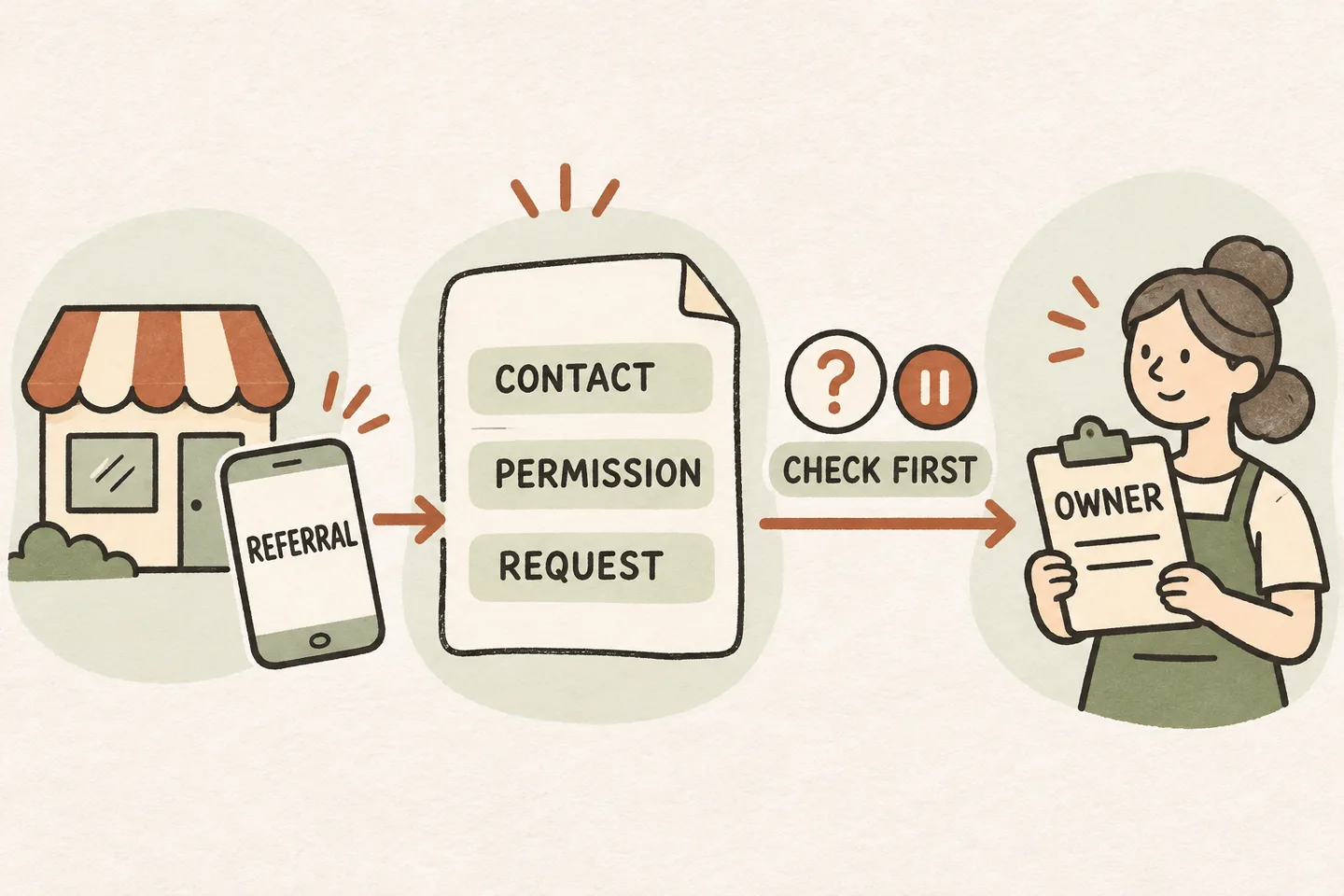
Identify who is making the introduction
Start by separating three situations: a customer names the business that recommended you; a referring business calls on the customer’s behalf; or both people join the conversation. These situations need different questions. A recommendation explains how someone found you, but does not establish an active partnership or permission to exchange account details.
Ask: “Are you calling about your own request, or introducing someone who may need our service?” For a business caller, record their name, business and reason for the introduction. Do not describe them as an approved partner until your own records confirm that relationship. Keep the caller’s description separate from facts your team has verified.
Place this branch within your AI receptionist call flow. It should end in an approved answer, eligible booking, configured transfer or clearly assigned request. A referral label alone should never skip the normal checks.
Ask about permission before taking customer details
First establish what the caller wants you to do. “Would you like general service information, or are you asking our team to contact the customer?” General information may be enough. If the request concerns another person, follow your business’s approved process before collecting or using their details.
A statement such as “They said I could give you their number” is reported permission, not independent verification. Record the scope of that statement only when your process permits it. Avoid treating it as permission for unrelated marketing, account access or updates back to the referring business. If authority is unclear, give the referring caller your public contact route so the customer can initiate contact.
Collect only the fields needed for the approved next step. Do not request payment information, access codes, medical details or an entire customer file for an ordinary referral enquiry. If the referring caller asks whether someone is already a customer, avoid confirming that information unless your approved disclosure process allows it.
Use one note with separate evidence and actions
This original referral intake note is an operational template for a US or Canadian service business. Adapt it to your actual policies and applicable requirements before use. It does not establish legal consent or demonstrate an automated referral feature. “Unknown” is a useful entry when staff must review something.
| Field | Record or check |
|---|---|
| Referring contact | Caller name, business and their own approved callback route. |
| Relationship | Customer recommendation, business introduction or verified partner relationship; mark which is confirmed. |
| Customer permission | Who reported permission, what contact or sharing was authorized, and what still needs verification. |
| Service request | A short description in the caller’s words; no unsupported diagnosis or promised outcome. |
| Eligibility | Required service, actual service area and any unresolved boundary or appointment rules. |
| Handoff owner | Named person or approved team queue responsible for reviewing this request. |
| Next step | Permitted action, approved callback expectation and fallback if the owner cannot be reached. |
| Return update | Whether any update to the referring business is authorized, and its permitted scope. |
Keep the note in the approved system with access limited according to your business process. Do not paste customer details into a public demo or a shared planning document. A completed note means intake was recorded; it does not mean the customer was contacted or the work accepted.
Check service eligibility without promising acceptance
A referring business may know your usual work but miss an exception. Check the requested service and location against your own current rules. An existing relationship does not expand coverage, create a technician appointment or authorize a special price. Route uncertain cases to the person who can make that decision.
Use the service area appointment booking checklist when a location or boundary needs review. Ask for additional address detail only when needed and permitted for that task. Keep “within the service area” separate from “available at the requested time.”
If booking is part of the approved workflow, confirm an appointment only after it has actually been saved. If booking cannot complete, record the preference as a request. Avoid promising a referral discount, commission, priority slot or reciprocal service arrangement unless an authorized person has supplied the exact applicable terms.
Close with an owner and an honest next step
For a permitted customer contact request, repeat only the necessary details, identify the responsible owner and use the callback expectation your business has approved. If no response time is authorized, say the request will be reviewed rather than inventing a deadline. If the transfer is unanswered, use the agreed message fallback and preserve the unresolved questions.
Test three fictional calls: a customer names a recommender; a business introduces a customer with unclear permission; and a verified partner asks for an unauthorized status update. Review whether the record distinguishes each caller’s claims from verified facts, avoids unnecessary disclosure and ends with an owner.
Test the conversation before enabling the workflow
The AI receptionist for small business offer supports approved answers, request capture and configured human handoffs. The AI voice agent guide explains that booking depends on an enabled workflow connected to Google Calendar. These capabilities do not establish a native partner portal, commission system or CRM integration.
You can try the live AI receptionist demo with fictional, nonsensitive details. The link opens the existing setup; you must press Start before a call begins. Then request a personal demo to check whether your actual intake fields, permission boundaries and owner handoff can be supported.
Sources and further reading
YOUR CALLS, YOUR NEXT STEP
Try a fictional referral conversation.

Explore how an enquiry is captured and handed off, then request a personal demo to verify your own permission boundaries, intake fields and responsible owner.