Handle calls about an existing plumbing quote without losing context
For an existing plumbing quote, capture which quote the caller means, what they want to know or change, and who should respond. Keep caller-supplied details separate from verified records. A useful follow-up note preserves the question without implying that someone checked the estimating system, approved extra work or agreed a new price.
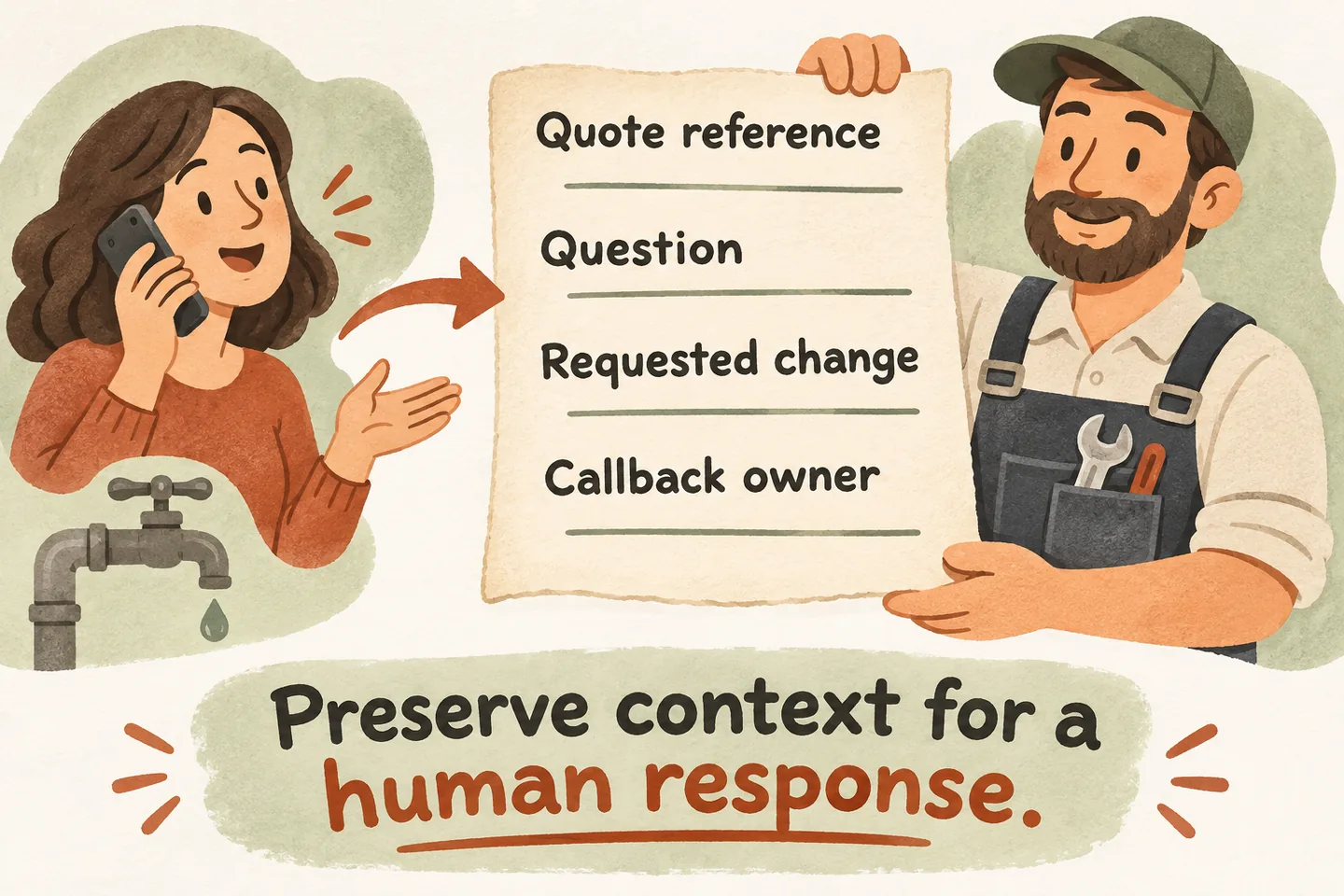
Start with the quote reference, if the caller has it
Ask: “Are you calling about a quote you already received, or are you waiting for one?” Then request the reference shown on the document, if available. Read back unclear letters or numbers. Record it as supplied by the caller until the responsible person checks the actual record.
A missing reference should not end the conversation. Ask for the name used for the enquiry, the service location and approximately when the quote was discussed. Collect only what the business has approved for locating the request. Avoid reading out another customer’s details while trying to find a match.
For the wider intake and handoff setup, see the plumbing answering service guide. This narrower workflow begins once there is an existing quote or an expected estimate; it does not replace new-job qualification.
Separate a status question from a requested change
A status question asks what has happened: “Has the revised estimate been sent?” A scope question asks what the quoted work includes: “Does this include replacing the old shutoff valve?” A change request asks for something different: “Please add the upstairs basin.” Preserve these distinctions in the note.
Do not turn an uncertain scope question into an approved addition. Ask one clarifying question when useful: “Would you like the team to explain the existing quote, or review a change to the work?” If both apply, record both. Let the estimator decide whether a site review, revised document or another conversation is needed.
Keep the caller’s wording for quantities, fixtures and requested work. Do not calculate a new total, interpret an unfamiliar line item or promise that the original price still applies. A request to proceed also needs the business’s approved acceptance process; capturing the message does not establish that work is scheduled.
Use a quote-follow-up note the owner can act on
This original worksheet is a proposed operating aid, not a built-in quote-management integration. Complete the routing fields with your team before use. Mark unknown details as unknown, and distinguish what the caller said from what staff later verified.
| Field | What to record |
|---|---|
| Quote reference | Reference exactly as supplied, or “not available”; note that matching is still required. |
| Caller and job | Approved identifying details, service location and a callback number read back for accuracy. |
| Reason for calling | Status question, scope explanation, requested change or request to proceed; include the caller’s actual question. |
| Requested change | What the caller wants added, removed or reconsidered; record “none requested” when appropriate. |
| Callback preference | Preferred day or window, timezone when relevant, and whether that is only a preference. |
| Responsible contact | Named staff role and approved route; fallback owner if the usual estimator is unavailable. |
| Current outcome | Request captured, transfer attempted or staff review pending; do not write “quote revised” without a verified revision. |
Keep one current note for the follow-up rather than creating competing summaries of the same request. If the caller corrects a fixture count or callback number, clearly replace the mistaken detail. Staff should be able to identify the latest request without guessing which version the customer intended.
Be clear about what the receptionist can actually see
An AI receptionist for small business can use approved business information and capture requests within its configured workflow. Our current public offer does not establish access to your estimating software, individual quote records or revision history. Treat those capabilities as unverified unless the exact connection and permitted actions have been checked.
Without verified access, say: “I can take the reference and your question for the team. I cannot confirm the quote’s status here.” Do not say “I have your estimate open” merely because the caller supplied a reference. An approved general policy is also different from the terms of that particular quote.
Agree who owns the response and what remains pending
Ask for a preferred callback window without promising it: “When is easiest for the team to reach you?” Give a response commitment only when the business has approved it and the workflow can support it. If no commitment is available, explain that staff still need to review the request.
Choose an actual owner for quote decisions and outbound follow-up. A configured transfer may reach an approved person, but an unanswered transfer needs the agreed fallback. Do not imply that automatic outbound calling, quote revision or a reminder sequence is included. Staff should check the note and existing record before taking action.
Add a missing reference, a price question, a scope change and an unavailable estimator to your plumbing answering service demo checklist. Check the spoken answer and resulting note: neither should claim the quote changed or the callback occurred.
Then try the live AI receptionist demo with fictional, nonsensitive details. It opens the homepage configuration; press Start when ready. Sample actions do not alter real quotes. Request a personal demo to verify your intake fields, staff routing and any proposed software connection.
Sources and further reading
YOUR CALLS, YOUR NEXT STEP
Try a fictional quote follow-up call

Use a sample reference and question, then request a personal demo to review your intake note, responsible staff contact and the exact limits of any connected workflow.