Answer HVAC parts-availability questions without claiming live inventory
Handle HVAC parts availability phone questions by recording what the caller needs and sending the enquiry to a named stock-check owner. Capture an equipment reference or requested item without deciding which part is correct. Keep stock, compatibility, price and delivery unconfirmed until the responsible person checks the actual request.
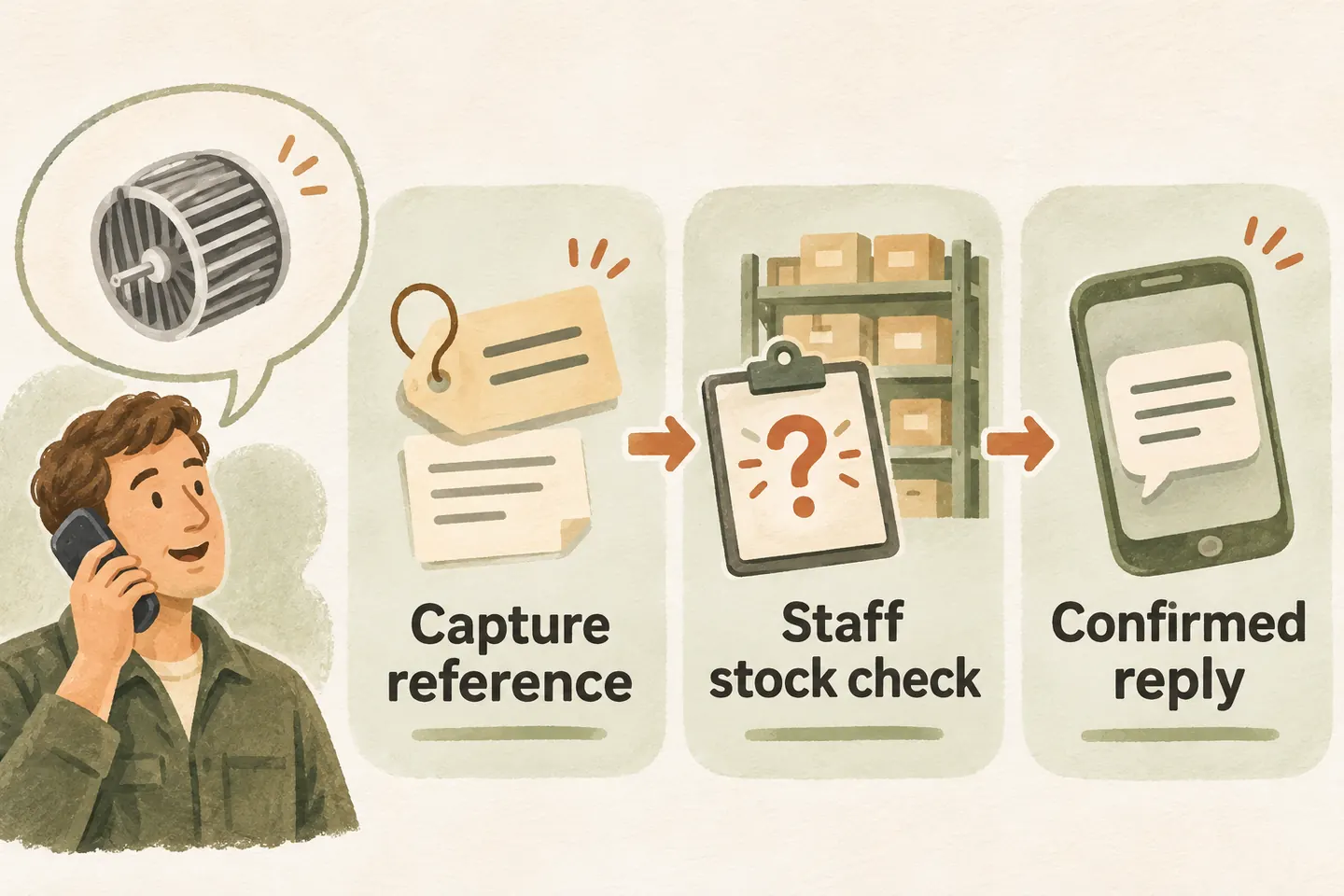
Capture the description without choosing a part
Start with the caller’s own description: the item they are asking about, any reference they already have and what they want to happen next. Read back letters and numbers carefully. Keep the requested part reference separate from the equipment model; do not silently substitute one for the other.
Accept incomplete information. Record “reference not provided” instead of guessing from a brand, symptom or remembered purchase. If additional information is necessary, explain that the team may ask for it during follow-up. Do not tell a caller to open equipment, remove a panel or inspect anything to complete the form.
An HVAC answering service can organize these enquiries around approved intake and human ownership. Your business should first decide whether it accepts parts-only enquiries, which requests need a service assessment and which callers should reach purchasing. The receptionist should not invent a parts-sales policy.
Separate customer enquiries from supplier calls
Ask a neutral routing question: “Are you enquiring about a part for your equipment, following up on an existing request, or calling from a supplier?” Use the answer to select a staff destination, not to prove identity or approve a transaction. Keep any account or order decisions with the authorized team.
For a customer, capture the requested item, equipment reference if known and useful callback details. For a supplier, capture the company, contact, order or enquiry reference if supplied, and the purpose of the call. A delivery update, substitution proposal and sales introduction may need different owners.
Preserve the source of every statement. “Supplier reports the item is available” is a message to verify, not confirmed inventory. Do not disclose customer records, accept a replacement, change an order or provide payment details merely because a caller gives a familiar reference.
Use this parts enquiry handoff form
Copy this original form into your working notes. Replace suggested roles with named staff and approved destinations. The form organizes a manual check; it does not imply an inventory connection or automatic assignment. Leave unknown fields explicit rather than filling them with assumptions.
| Field | What to record | Boundary |
|---|---|---|
| Caller and purpose | Name, callback number, customer or supplier, and reason for calling. | A stated role is not verified authority. |
| Equipment reference | Caller-provided make, model or existing service reference, if known. | Do not infer the required replacement from equipment or symptoms. |
| Requested item | Description, part reference and quantity requested; note uncertainty. | A request is not a compatibility finding or purchase approval. |
| Reported information | Any claimed stock, price, order or delivery update, with its source. | Keep caller reports separate from staff-verified facts. |
| Stock-check owner | Named inventory or purchasing contact, approved destination and backup. | Routing a request does not reserve an item. |
| Response and outcome | Approved response expectation, outstanding checks and staff follow-up note. | Do not mark availability confirmed until the responsible check is complete. |
Keep the caller’s preferred timing separate from the business’s response commitment. Ask only for details needed to route and answer the enquiry. A parts question should not become a broad collection of customer records, payment information or unrelated equipment history.
Keep stock, compatibility and timing unconfirmed
Treat “we carry that brand,” “the item is listed” and “we have that item available for this request” as different statements. An approved general answer about services cannot establish a current stock position. Likewise, repeating a part number does not establish that the item fits a particular system.
Separate the checks your staff must complete: identify the requested item, review suitability through the appropriate qualified person, verify stock, confirm any approved price and establish collection or delivery arrangements. Do not collapse these into “yes, we can get it.” A catalogue entry, old quote or supplier message may leave several questions open.
Keep stable service-policy answers in the approved HVAC FAQ library. Use this handoff for request-specific checks. Our current AI receptionist for small business offer describes approved answers, captured requests and configured handoffs. Those capabilities do not verify a live inventory connection, purchasing authority or a parts-compatibility service.
Approve the callback wording and close the loop
A useful response is: “I cannot confirm stock or suitability from the information available here. I can take the item details for our parts contact to check.” Adapt this script to the actual configured process. Confirm that the request was captured only when capture succeeds; do not describe an offered transfer as a completed connection.
Give a response window only when the team has approved one it can support. Record who checks an unanswered request and what happens when the primary owner is absent. Staff should close the loop with the checked facts, remaining uncertainty and agreed next step, not simply label the enquiry handled.
To try the live AI receptionist demo, use a fictional item reference and nonsensitive details. The homepage configuration opens first; press Start when ready. The sample does not prove inventory access or place an order. Request a personal demo to verify your intake wording and human handoff before activation.
Sources and further reading
YOUR CALLS, YOUR NEXT STEP
Try a fictional parts enquiry

Hear how a sample call captures the request, then request a personal demo to verify your approved wording and stock-check handoff.