Respond to a frustrated after-hours caller with a clear next step
A frustrated caller after hours script should acknowledge the concern, explain what is possible now and offer an approved next step. Capture the resolution the caller wants without promising that staff have accepted it. Respectful wording cannot guarantee satisfaction or replace a human decision, but it can keep a difficult conversation accurate and useful for the person reviewing it.
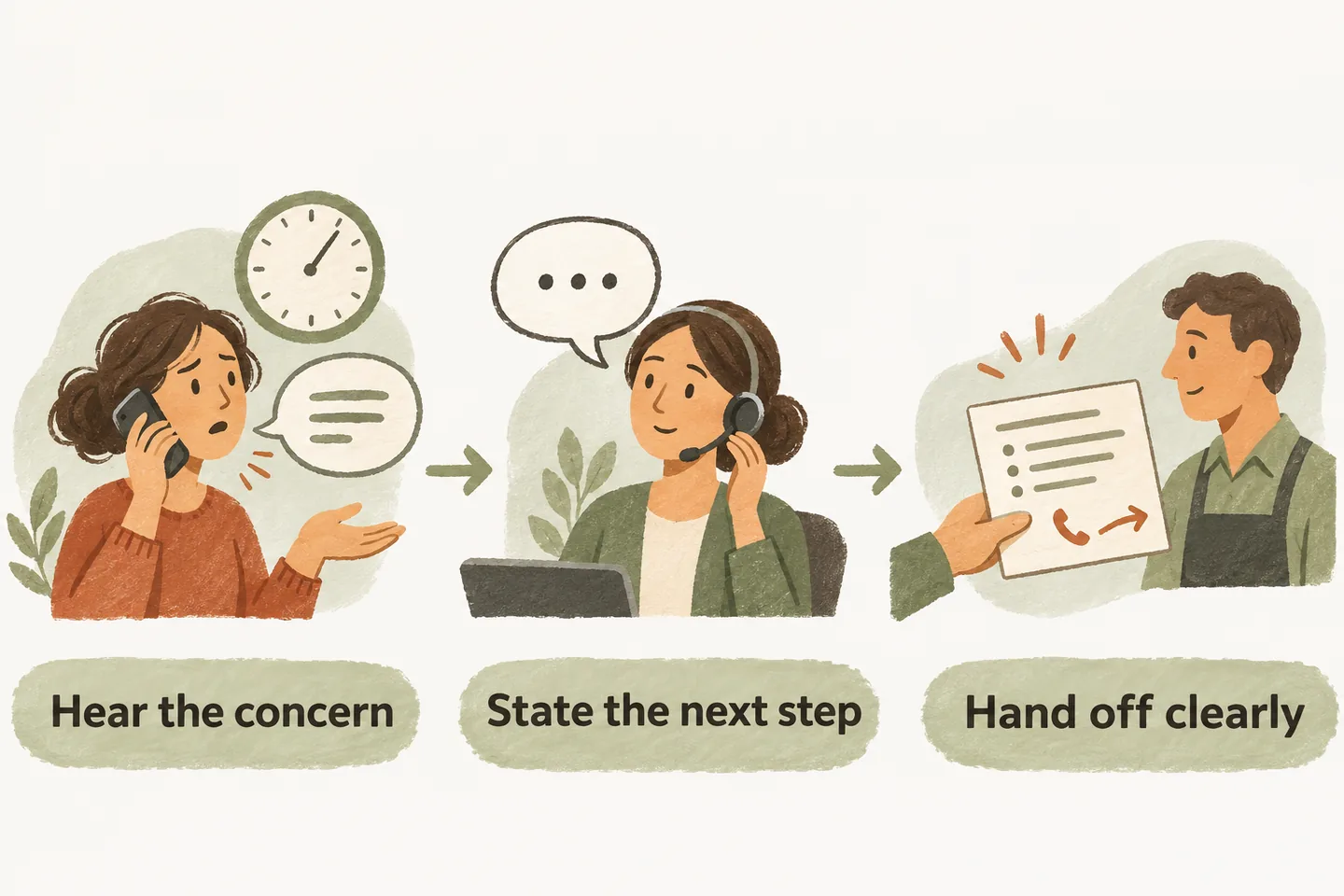
Acknowledge the stated concern without inventing responsibility
Let the caller describe the problem before asking for a long list of details. Reflect the specific concern rather than labeling the person angry or difficult. If someone reports a missed callback, record that as their account; do not invent why the callback failed or claim a colleague ignored them. A brief acknowledgment should lead into a practical choice. Avoid telling someone to calm down, blaming another employee or repeatedly apologizing while offering no action. If the caller corrects your summary, accept the correction and read back the revised concern before continuing.
Avoid debating the history during intake. Ask only for a useful reference or approximate earlier contact time when the business needs it. Keep coverage hours and callback rules in the after hours answering service plan; this guide addresses the response when expectations and available help do not match.
Confirm what can and cannot be done now
Separate understanding the concern from being able to resolve it. An after-hours receptionist may have approved business information and a request-capture path without access to the employee, decision or current status the caller wants. Say which action is available. Do not make the caller repeat the story while suggesting a manager is about to join.
The current AI receptionist for small business offer describes approved answers, request capture and configured transfers with an agreed fallback. These capabilities do not establish access to complaint decisions or live job status. Verify your own permitted actions before using the examples.
Use the approved human-contact or message route
Offer a transfer only to an approved destination during its confirmed coverage window. Explain the option before attempting it. If the caller asks for another employee or a private number, stay within the agreed route rather than improvising access. A more forceful request does not make an unavailable person available.
When the connection fails, use the unanswered call transfer fallback to describe the observed outcome and offer the supported alternative. Do not say the manager received the message merely because a number rang. If saving a request fails, say that its capture is unconfirmed and give the approved alternative contact instruction.
Keep routine complaint handling within its scope. The receptionist must not promise emergency dispatch or a technician arrival. Requests outside the reviewed workflow need the business's approved handling instructions, not an improvised resolution.
Record the requested resolution accurately
Read back a short, neutral summary before closing. Distinguish the caller's requested outcome from any action the business has agreed to take. Someone asking for an explanation, a changed appointment or a refund has expressed a request; intake alone does not approve it.
- Concern: what the caller says happened, with the relevant reference and contact time if supplied.
- Requested resolution: the question or action they want a person to consider, in their own terms.
- Contact details: read-back callback number and preferred time, clearly marked as a preference.
- Actual outcome: transfer attempted, request saved or capture unconfirmed, plus the wording used about follow-up.
Review the handoff and close the loop through the actual process
Give the receiving team a named review responsibility and a backup for absences. The reviewer should compare the reported concern with available business records, decide who can respond and record the actual outcome. Those are staff operating decisions, not claims that the receptionist automatically investigates complaints, assigns work or sends alerts.
Test all three fictional situations before activation. Check whether the request preserves the desired resolution, whether the reviewer can find it and whether the closing sentence matches what actually happened. Include a caller who declines to leave details and a request that cannot be saved. Neither should receive a false callback confirmation.
You can try the live AI receptionist demo with a fictional, nonsensitive business call. The link opens the existing homepage configuration; press Start when ready. The sample does not prove your complaint workflow or create real customer appointments. Request a personal demo to verify your approved wording, available contact route and staff review process.
Sources and further reading
YOUR CALLS, YOUR NEXT STEP
Try a fictional after-hours concern.

Use nonsensitive example details in the live sample demo. Request a personal demo to verify respectful wording, approved contact routes and the real process your staff uses to review requests.