Check business phone hours when daylight saving time changes
Check daylight saving business phone hours by tracing every hours rule to its timezone, confirming the local clock-change rule, and testing what callers hear before and after each boundary. A wall clock changing correctly does not prove that forwarding, recorded greetings and staff handoffs agree. Assign one person to approve the plan and another to verify the result.
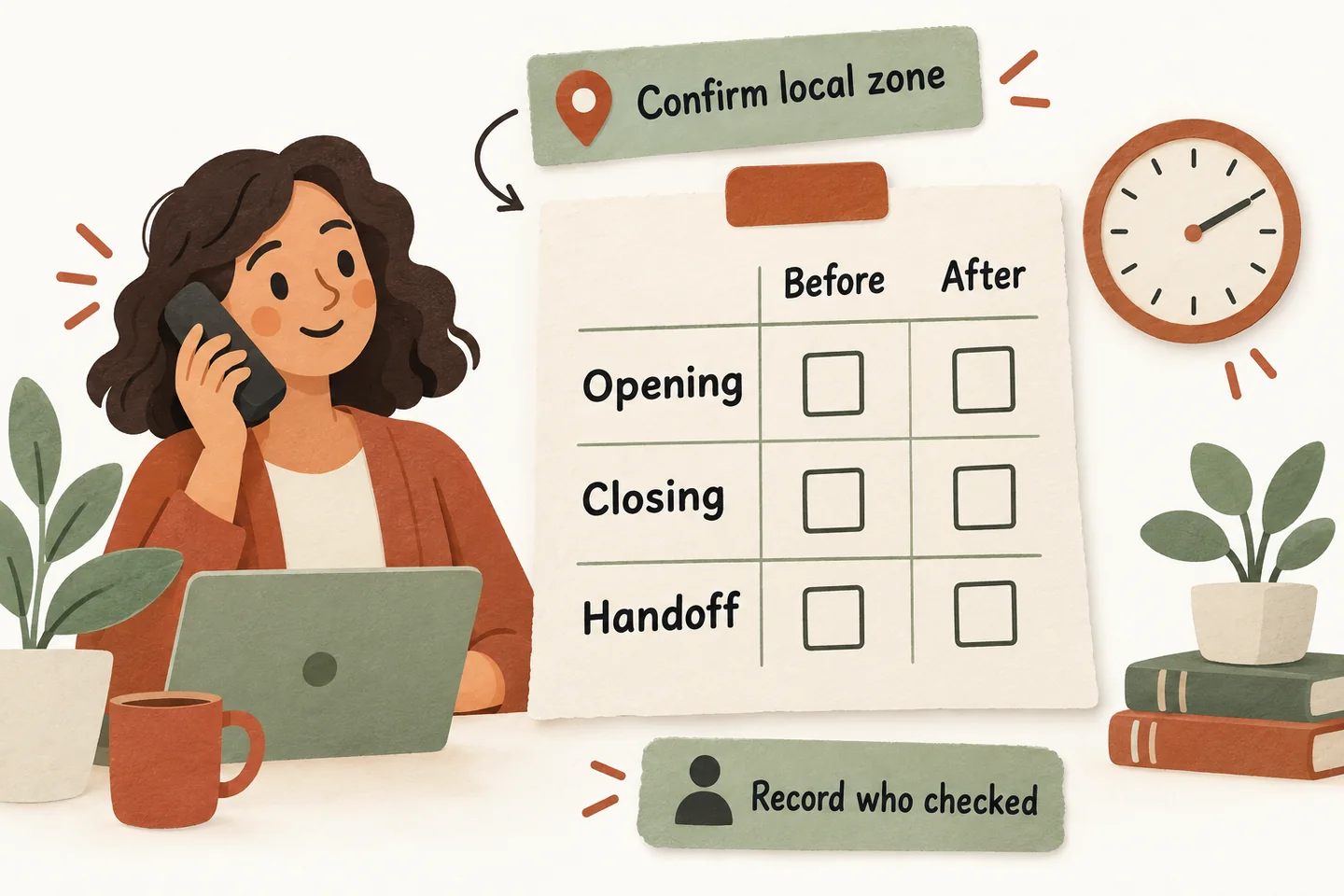
Confirm the rule for each location
For Toronto, the Canadian Forces College time page says clocks move back one hour at 02:00 on Sunday, November 1, 2026. That takes the clock back to 01:00, so the hour beginning at 01:00 occurs twice. Record the date and location in your review; “change the clocks this weekend” is not a sufficient instruction for a team in different places.
Check the current official rule for the business location and for any person handling transfers elsewhere. Do not apply Toronto’s change to every US or Canadian jurisdiction. An area that does not change its clocks can have a different relationship to a changing area afterward. Verify the actual locations instead of relying on last year’s time difference.
The objective is to preserve the business’s intended local opening hours and human coverage. It is not automatically to move every configured number forward or backward.
List the systems that decide whether you are open
Start with the after-hours answering service coverage plan. List the business phone or carrier rule that forwards calls, the receptionist’s approved hours and greeting, and the staff schedule used for transfer availability. Different people may maintain these records. A correct greeting can coexist with an incorrect destination.
For each rule, record the system, owner, timezone label, regular hours, dated exceptions and how a change is approved. Ask whether it follows a named local timezone or a fixed offset. Where the provider supports it, have the responsible person confirm the appropriate named zone, such as America/Toronto, and its current rules.
Do not toggle an automatic setting or add a second manual correction without checking how the existing rule behaves. Ask the provider which controls are supported and how to verify them; a spreadsheet cannot establish that a live configuration changed.
Use this before-and-after routing checklist
Copy the rows below into a working record. Add the exact test date, local timestamp, expected result, observed result and evidence reference. “Looks right” is not a useful pass result. Keep caller details fictional and arrange tests with the affected staff.
| Check | Before the change | After the change |
|---|---|---|
| Timezone and rule | Record each system’s zone and the verified local transition. Name its owner. | Confirm the displayed zone and rule still match the approved plan. |
| Opening boundary | Write the expected greeting and destination immediately before and after opening. | Make controlled calls on both sides; compare the heard greeting and actual destination. |
| Closing boundary | Record when staff stop accepting transfers and which fallback takes over. | Verify the closing wording, transfer availability and request path agree. |
| Repeated hour | If coverage crosses it, identify the first or second occurrence for every handoff. | Check that responsibility stayed assigned through the whole repeated period. |
| Unanswered transfer | Name the primary contact, backup rule and person who reviews the request. | Leave a planned test unanswered and confirm the agreed fallback. |
| Approval and follow-up | Save the approved version and arrange who checks the first normal business day. | Record results, unresolved differences and the owner of each correction. |
Keep the public business hours, spoken reopening message and internal roster in the same review. If one changes, check the others rather than assuming an update has propagated.
Make an overnight handoff unambiguous
This is a planning example, not a claim that the product schedules shifts or resolves repeated hours automatically. For a real overnight rota, have the provider and staff validate the dated boundary in the supported system. Use the on-call phone routing schedule to record primary and backup contacts and the person approving that boundary.
If you have no overnight human coverage, say so in the plan. Changing clocks does not create an available employee, extend an approved shift or authorize emergency dispatch.
Observe the result and give discrepancies an owner
Where a supported preview can exercise a dated hours rule, use it before the change. Then verify the live result through agreed controlled calls after the transition and at the next opening. Do not change a production device’s clock just to simulate a test. If a future-time preview is unavailable, document that limitation and arrange a real boundary check.
Capture what actually happened: the greeting heard, whether a transfer reached the agreed destination, and whether the fallback saved the intended request. Record the local date and distinguish the repeated hour when relevant. Ask the responsible person to reconcile differences through the approved update process, then repeat the affected check.
Close the review only when the owner has accepted the results or documented an unresolved issue with an approved temporary handling plan. Avoid promising callers a response time that the confirmed roster cannot support.
Explore the wording, then verify your setup
The current AI receptionist for small business offer supports approved hours information, configured forwarding and agreed transfer fallbacks. This guide does not establish automatic daylight-saving updates for your carrier or receptionist. Confirm the particular setup with the team responsible for it.
You can try the live AI receptionist demo with a fictional question about opening hours. The link opens the existing configuration; you must press Start before a call begins. A sample conversation can help review wording. Request a personal demo as a secondary step to discuss your own hours, transfer boundaries and verification plan.
Sources and further reading
YOUR CALLS, YOUR NEXT STEP
Try a fictional question about your opening hours.

Explore the live demo using invented, nonsensitive details. Request a personal demonstration to review your business’s hours, handoff boundaries and supported verification steps.