All calls, busy or no answer: choose a business call-forwarding mode
Choose all-call forwarding when every incoming call should go elsewhere; busy forwarding when the line is occupied; and no-answer forwarding when staff should get the first chance to answer. Your carrier’s actual service determines which choices exist and how voicemail, call waiting and destination failures behave. Confirm that service before changing a business number, then test the complete caller experience and the restoration procedure.
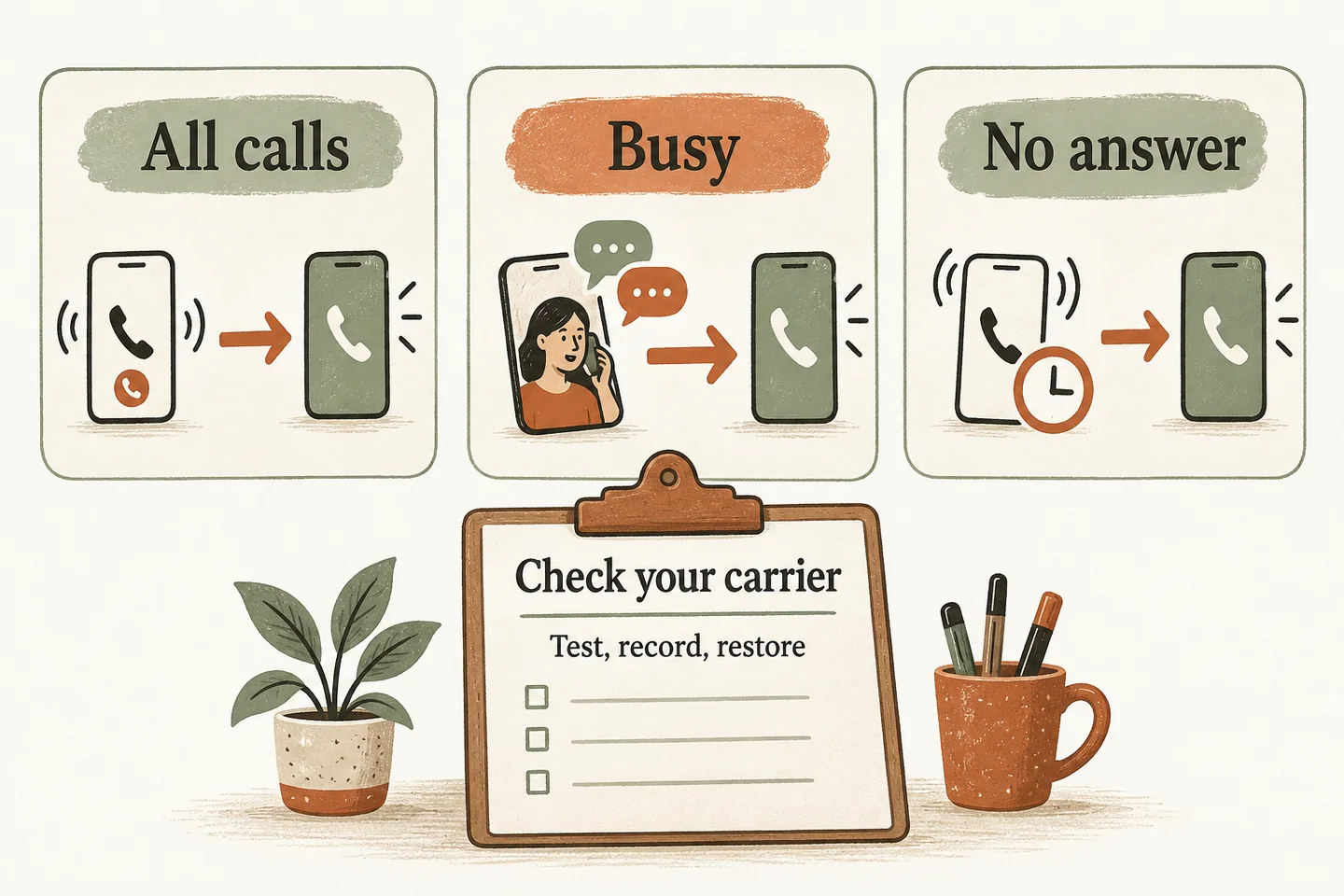
Match the forwarding mode to the coverage need
Forwarding controls when a call leaves your existing line. The AI receptionist call flow controls what happens after the receptionist answers. Write these as separate decisions so an apparently successful conversation does not hide a routing problem.
| Mode | Operational use | Question to test |
|---|---|---|
| All calls / unconditional | Cover a planned period when nobody should answer the original line. | Does the original phone stay silent while the approved destination answers? |
| Busy / conditional | Provide overflow when the line meets the carrier’s definition of busy. | Does call waiting, a queue or another line prevent the busy trigger? |
| No answer / conditional | Give staff a chance to answer before overflow begins. | How long does the caller wait, and which voicemail or destination answers? |
For a lunch break phone answering service, choose based on who will actually be available. A coverage schedule and a forwarding trigger are separate settings; a conditional rule alone does not establish your opening hours.
Check the actual carrier, service and destination
Start with the provider and exact product on your bill: mobile, traditional landline or hosted business phone service. Confirm the line you will change, account permissions, destination number and supported mode. A carrier’s mobile instructions do not establish how its business phone product behaves.
The current Rogers mobile forwarding instructions distinguish unconditional, busy, no-reply and not-reachable settings. They also say conditional forwarding will not work while voicemail is activated. That is a Rogers mobile example, not a reason to disable voicemail on another service.
Verizon’s mobile forwarding FAQ requires an active, voice-capable US destination with ten digits. A Canadian destination therefore needs a different eligibility check; do not assume cross-border forwarding is supported because both numbers have familiar formats.
Your actual carrier has not been identified here. Use its current instructions or support confirmation to complete the record below. There are no universal activation or cancellation codes in this guide. Ask how call waiting, voicemail, multiple simultaneous calls and any not-reachable mode interact before approving changes.
Verify charges and what the caller hears
Keep carrier costs separate from receptionist subscription costs. Verizon describes forwarded-call billing according to the plan and notes possible fees on some older plans. AT&T’s wireless guidance says forwarded calls are billed for their duration and may incur long-distance or roaming charges. These examples do not quote your account’s price.
Ask your provider to confirm eligible destinations, included minutes, applicable extra charges and where forwarded usage appears. Record the answer with its date and plan name. During tests, note ringing time, announcements, voicemail, connection quality and whether staff receive enough caller information to return the call.
Keep one carrier-specific test record
Copy this record for the number being changed. Fill the expected result before testing and the observed result afterward; leave untested rows marked untested. Use a separate calling phone, a controlled destination and fictional enquiry details.
| Record field | What to write |
|---|---|
| Identity and authority | Carrier, exact product, business line, permitted destination, account owner and approval. |
| Source and baseline | Official instructions URL, date checked, previous mode, destination, timer and voicemail settings. |
| Normal condition | Expected trigger; actual ring sequence, destination and test timestamp. |
| Busy and unanswered | How you created each condition; expected fallback; observed caller experience. |
| Destination failure | Approved controlled test; busy, unavailable or unanswered result; unresolved issue and owner. |
| Charges and restoration | Plan evidence, usage-review owner, saved restoration steps and successful post-restoration call. |
An activation message proves only that a setting was accepted. Keep a short factual note for each call, including which phone answered. Do not record customer conversations or put real caller details into this worksheet.
Test unanswered and failed destinations separately
First test the destination directly. Then call the business number under each approved condition. For a no-answer test, let the original phone ring without answering; for busy, reproduce the condition your provider says counts as busy. Do not treat rejecting a call as equivalent unless the documentation confirms it.
Arrange an unanswered destination test and a supported busy or unavailable test without disrupting normal service. AT&T Wireless says callers receive a busy signal when its forwarding destination is busy. Your own service may behave differently. Record the result; an answering provider’s fallback cannot help a call that never reaches it.
Document restoration before changing the line
Save the previous configuration and the carrier’s exact restoration instructions in a place the responsible manager can access. Record who can revert the change, what failure triggers that decision and who must be told. Restoring an old destination can be different from simply turning forwarding off.
After restoration, call the business number again and verify the intended ringing and voicemail behavior. Review the next available usage record for unexpected charges. Keep unresolved conditions visible instead of declaring the setup complete because one normal call worked.
Separate a sample conversation from a routing test
An AI receptionist for small business can be part of an approved forwarding setup, but carrier compatibility and the destination still need verification. Try the live AI receptionist demo with a fictional, nonsensitive enquiry. The link opens the homepage configuration; press Start yourself to begin. The sample does not configure or test your carrier forwarding.
As a secondary step, request a personal demo to review your proposed trigger, destination and fallback. Bring the completed carrier record so the discussion starts with verified constraints.
Sources and further reading
YOUR CALLS, YOUR NEXT STEP
Try the sample, then verify your forwarding setup.

Use a fictional business enquiry in the live demo. Request a personal demo to review your own carrier, coverage trigger and agreed fallback before production activation.