Auto repair appointment request or confirmed booking: what the caller should hear
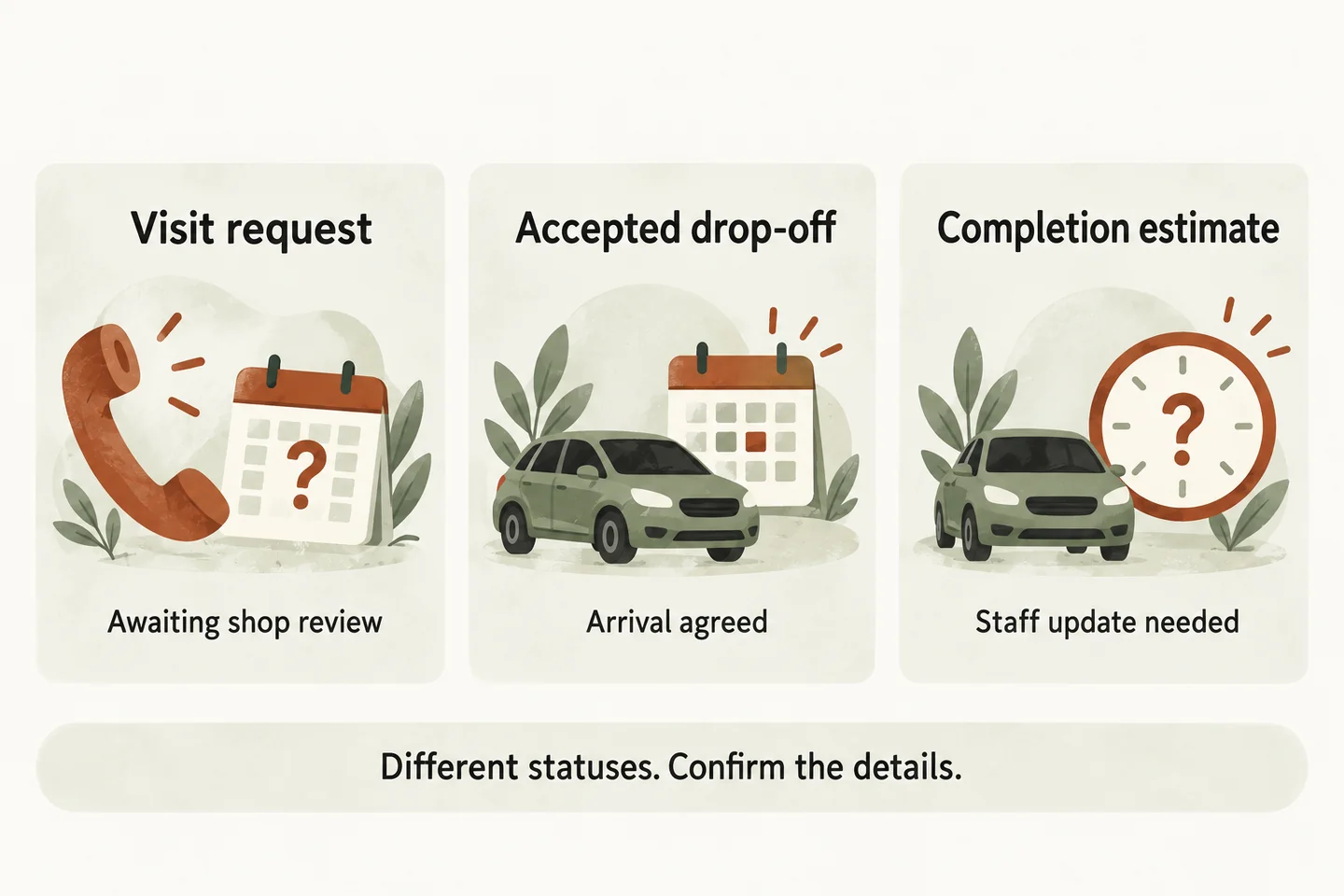
An auto repair appointment request records what the caller would like; a confirmed booking records a commitment the shop has actually accepted. An accepted drop-off still does not promise when work starts or finishes. Give each outcome its own wording, supporting record and staff owner. Until the proposed booking workflow has been verified against the shop’s authoritative schedule, describe the call as a request awaiting review.
Name the schedule that can accept a commitment
Before approving a receptionist script, ask the owner where accepted appointments are recorded and who may change them. A shared calendar, appointment book and shop-management system can show different information. Name the authoritative source for the specific appointment type, plus the staff member responsible for resolving discrepancies.
Write one scope sentence: “This workflow may accept [appointment type] in [approved schedule], subject to [rules].” Leave any unknown item unresolved. If a calendar event is only a message to an adviser, do not describe that event to the caller as an accepted shop appointment.
Our AI voice agent guide describes booking through connected Google Calendar when enabled, with confirmation following a successful save. That capability still needs a shop-specific fit review; it does not establish a connection to AutoLeap or another shop system. Use request-only wording until the relevant acceptance process is demonstrated.
Give the three statuses different evidence and wording
Use this original comparison as a script approval sheet. The examples describe a hypothetical shop policy, not a tested customer configuration. Replace the evidence descriptions with the actual records and permissions your shop uses.
| Status | Evidence required | Caller wording | Still unresolved |
|---|---|---|---|
| Requested visit | Caller preference recorded for staff review. | “I have recorded your request for Friday morning. The adviser still needs to confirm it.” | Whether the shop can accept that visit. |
| Accepted drop-off | Authorized acceptance in the shop’s designated schedule, with the agreed date and time. | “Your Friday 9 a.m. drop-off is confirmed. This confirms when to leave the vehicle.” | When inspection or work begins, and when the vehicle will be ready. |
| Repair completion estimate | Current estimate reviewed by the responsible adviser for that job. | “The adviser will discuss the completion estimate with you.” | Any revised timing or ready-for-collection confirmation. |
The final row is a staff handoff, not permission for the receptionist to invent or calculate a deadline. Keep a requested date in a preference field and an accepted date in an appointment field. If the workflow cannot distinguish them, change the process before promising either outcome.
Separate arrival, work start and collection
Ask what the caller believes the time means. “Can I come at nine?” might mean leaving the vehicle, waiting for an assessment, or expecting an immediate repair. Confirm the intended visit type and explain only the arrangement the shop has approved. Avoid the vague closing line “You’re all set” when essential timing remains undecided.
If an authorized drop-off booking succeeds, change only the accepted part: “Your drop-off is confirmed for Friday at nine. The adviser will discuss the work and collection timing.” Do not carry the caller’s lunch deadline into the confirmation. Record it as a question, with its owner and the agreed follow-up route.
For the underlying vehicle and contact fields, use the AI receptionist for auto repair intake guide. Keep this status sheet focused on what the recorded outcome permits the receptionist to say.
Route changes and repair-status questions to staff
A caller changing a visit needs the existing appointment identified before anyone promises a replacement. If the receptionist is not authorized and equipped to complete that change, capture the request for an adviser. Do not say the original booking is cancelled or the new time is reserved merely because the caller asked.
Treat “Is it ready?” as an existing-job enquiry. Opening hours, an earlier appointment and a previous estimate cannot establish the current repair status. Route the question through the approved staff contact; if nobody answers, record the callback request and use the agreed fallback wording.
Do not infer a diagnosis from symptoms, quote an exact repair price, claim parts availability or declare a vehicle safe to drive. These are outside this appointment-status worksheet. A transfer also needs an available person; an unanswered transfer must not be reported as a completed staff conversation.
Test the wording against the actual result
Run these acceptance checks with fictional details before activation. Compare the recorded result with the spoken closing sentence. Retain the evidence and name the person who approves corrections.
- Requested time only: the record and closing sentence both say staff confirmation is pending.
- Accepted drop-off: the agreed schedule contains the correct visit, date and time; no completion promise is added.
- Unavailable time or failed save: no booking is announced; the fallback creates an accurately labelled request.
- Change or collection question: staff ownership is clear, including the unanswered-transfer path.
Record unresolved requirements in the answering-service evaluation checklist. Then try the live AI receptionist demo with a fictional shop enquiry. The homepage opens configuration first; you press Start to begin. Sample actions create no real customer appointment. Request a personal demo to review your shop’s actual acceptance process.
Sources and further reading
YOUR CALLS, YOUR NEXT STEP
Hear how a clear appointment outcome sounds

Try a fictional shop enquiry in the live demo. Then request a personal demonstration to review which requests your shop can accept, how the result is recorded and what callers should hear.