Plan appointment reminders without assuming messaging is included
An appointment reminder consent checklist should identify the actual sender, supported channel, approved contact permissions and current appointment record before any message is enabled. A saved booking does not establish permission to text, and a phone number is not proof that a reminder service is connected. Use this planning worksheet to separate those decisions and assign the people who must verify them.
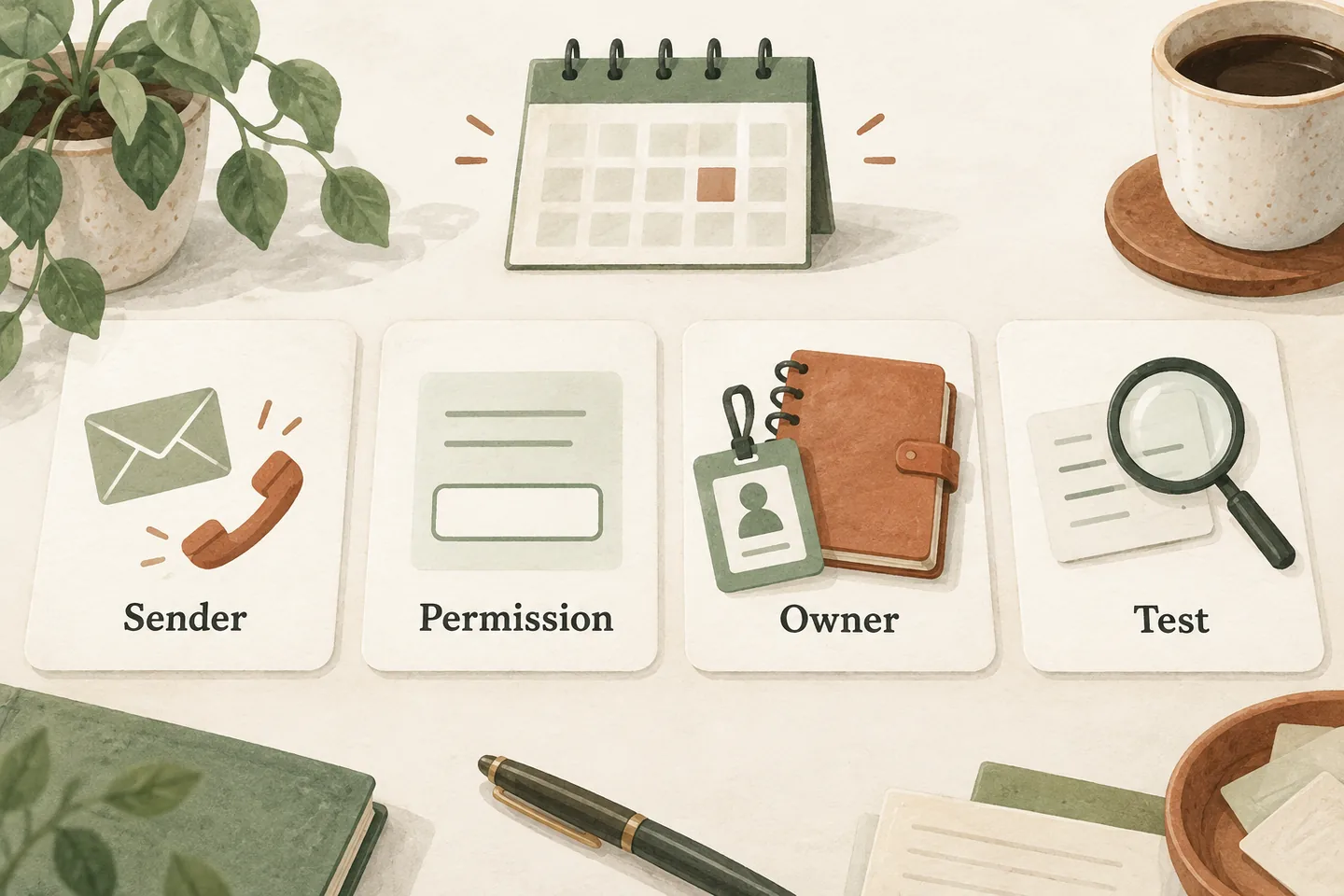
Name the sender before choosing the reminder time
Start with one appointment type and one proposed channel. Write which organization sends the reminder and which actual system performs the action. A calendar, receptionist and separate messaging provider may each have different responsibilities. Do not assume that connecting one automatically connects the others.
As checked October 28, 2026, our AI receptionist for small business offer says messaging is not included. Booking can operate when enabled and Google Calendar is connected; that does not promise SMS or email reminders. Any separate reminder arrangement needs its own scope and verification.
First complete the AI appointment scheduling readiness checks. Then document what the proposed reminder sender can read, when it checks for changes and how duplicate messages are prevented. Leave unresolved capabilities marked for review.
Complete one worksheet for each channel
Use the following original worksheet with your operations owner and qualified reviewer. Record a source or test result, not just a tick. If email and text use different systems, complete separate copies. A preference for one channel should not silently become permission for another.
| Decision | Evidence to record | Owner or unresolved action |
|---|---|---|
| Sender and channel | Business name, provider, sender address or number, and supported channel. | Name the person who verifies the actual configuration. |
| Purpose and wording | Exact message version; appointment information separated from any promotion. | Assign wording approval and legal classification review. |
| Contact permission | Approved collection wording, scope, date and the retained permission record or reviewed legal basis. | Identify who can explain and update that record. |
| Appointment source | Authoritative calendar or booking record; saved date, time and timezone. | Name the person who resolves conflicting records. |
| Changes and replies | How cancellations, rescheduling and customer responses reach staff. | Assign a monitored queue and backup reviewer. |
| Opt-out and failure | Supported withdrawal process, suppression record and failed-delivery route. | Test the end-to-end result before enabling messages. |
Keep access to these records limited to staff who need it. Store a reference to the approved record rather than copying sensitive customer information into a planning document. The worksheet is a readiness aid, not proof of legal compliance.
Review permissions for the message and jurisdiction
For US automated calls and texts, ask a qualified adviser which consent and revocation requirements apply to the chosen technology and purpose. Review the FCC’s current rulemaking and its effective dates; an adopted change is not necessarily operative when your workflow launches. This guide does not determine your legal basis to send.
Email needs a separate review. Have a qualified adviser assess the complete subject line and body, identify the applicable requirements and document the approved conclusion. Review any offer added to an appointment reminder separately. Keep the approved email wording and its channel-specific contact basis with the workflow record.
For Canada, the CRTC’s CASL guidance describes consent, identification and unsubscribe requirements for commercial electronic messages, with specific exceptions. Have the reviewer determine which provisions apply to your exact reminder. Do not copy a US conclusion into the Canadian workflow or label every appointment message exempt.
Record the approved conclusion, reviewer, date, applicable channel and message version. If you cannot establish the permitted scope, hold activation while it is resolved. A vendor’s claim that a template is compliant does not replace review of how your business will use it.
Keep the appointment purpose clear
A useful reminder tells the recipient which business is contacting them, the saved appointment date and time, the relevant timezone, and the approved way to ask for a change. Include only the information needed for that purpose. Avoid sensitive service details in a channel that has not been approved for them.
Keep discounts, referrals and upsells in a separately reviewed campaign. Adding “while you are here, buy another service” can change the message’s purpose and permissions analysis. Do not merge marketing preferences with appointment-contact records simply because both refer to the same customer.
Test delivery, changes and withdrawal together
- Use fictional records and staff-controlled test destinations. Confirm the intended sender identity, exact wording and readable date, time and timezone.
- Change the appointment before the planned send. Verify the reminder uses the current saved record or is stopped, rather than repeating the old time.
- Cancel the appointment and check that its reminder is suppressed. Inspect both the appointment record and the sending system.
- Test the approved opt-out route. Verify that the responsible system records the request and prevents the affected future messages; check any connected tools separately.
- Simulate failed delivery and an unanswered reply. Confirm a named person can see the issue and follow the approved alternative contact process.
A reply asking to move a visit is not a completed reschedule. Use the appointment cancellation and rescheduling scripts to distinguish a received request from a saved calendar change. Do not promise that replying to a message automatically updates a booking unless that exact behavior is verified.
Give activation and ongoing review an owner
Keep an evidence log with the scenario, expected outcome, actual result and reviewer. A delivery receipt does not establish that a person read the message or accepted an appointment change. Recheck the workflow when wording, providers, permissions or booking rules change.
You can try the live AI receptionist demo with a fictional, nonsensitive appointment enquiry. Choose the setup and explicitly press Start. The sample call does not demonstrate reminder delivery. Request a personal demo to review the supported calling and booking workflow separately from any proposed messaging service.
Sources and further reading
YOUR CALLS, YOUR NEXT STEP
Try the live appointment conversation

Use a fictional, nonsensitive enquiry in the existing demo. Press Start when ready. Ask about the supported booking workflow separately; messaging is not included in the current offer.