Requested, confirmed, cancelled or attended: define your booking metrics
Count an appointment request when it is recorded, a confirmed booking when the intended calendar save is verified, and attendance only when a reliable service record establishes it. Keep those measures separate. These appointment booking metrics definitions give a small business a practical way to review its workflow without treating every conversation, calendar event or unanswered status as a completed visit.
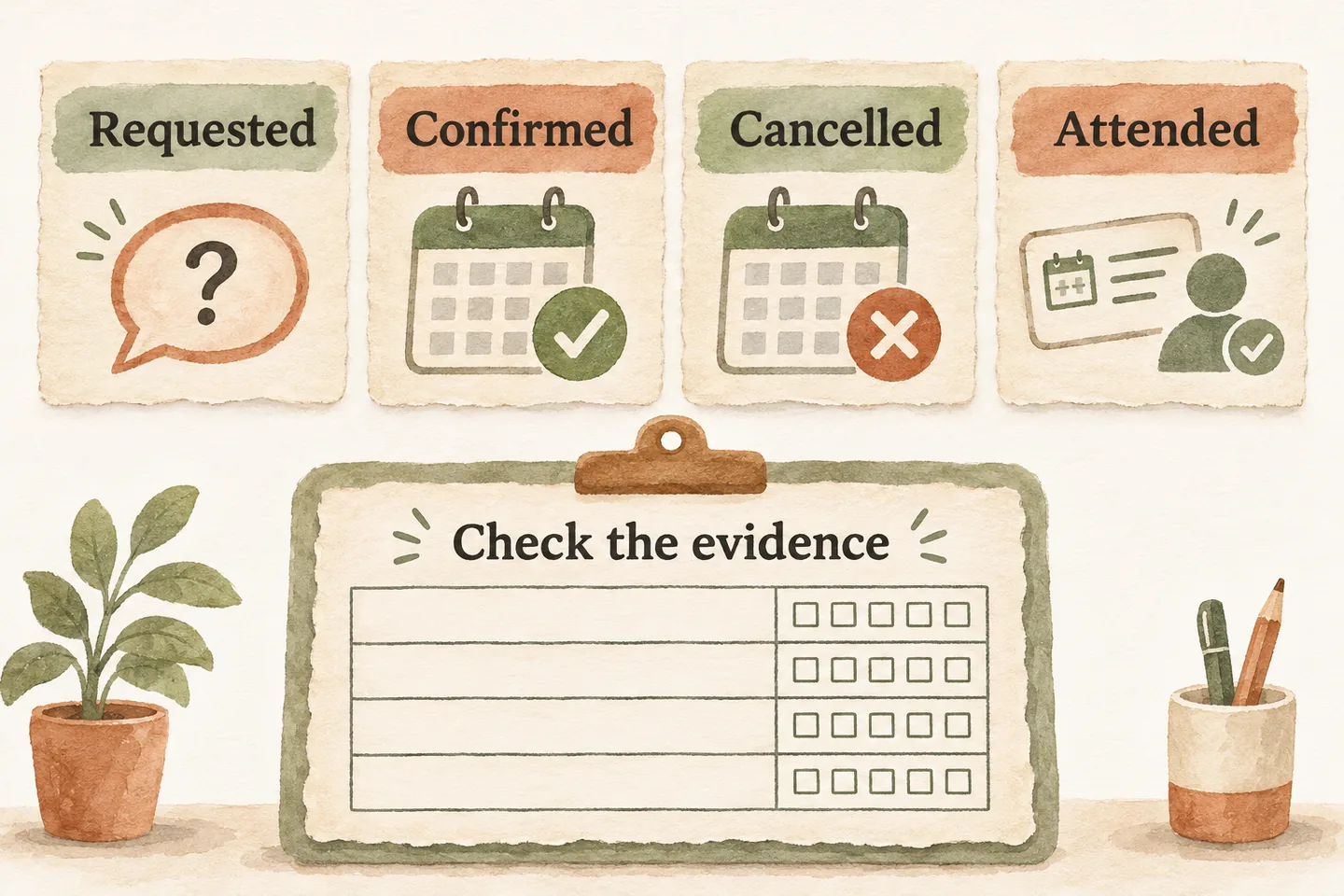
Define each stage using actual system evidence
Start with your approved AI appointment scheduling workflow. The current offer requires an enabled booking workflow and connected Google Calendar; confirmation follows a successful save. A reporting label must reflect that evidence, rather than the confidence of the conversation.
Use this original dictionary as a business-approved starting point. Give each request a stable reference, link its calendar event when verified, and record the source, observation time and reviewer. An event label alone does not establish that the intended service, customer and time were saved correctly.
| Label | Evidence required | Counting rule |
|---|---|---|
| Requested | Recorded appointment enquiry and its reference. | One unique request; repeat calls remain linked. |
| Confirmed | Verified successful save of the intended appointment. | One first confirmation per request in the conversion tally. |
| Cancelled | Verified cancellation of a previously confirmed visit. | A later outcome; do not erase the original confirmation. |
| Rescheduled | Verified replacement time and disposition of the original visit. | A change to the linked appointment, not a new enquiry. |
| Attended | Named staff or service record confirming attendance. | One observed attendance per actual visit. |
| Unknown or pending | Missing evidence or unresolved action. | Show separately; never silently treat as success or failure. |
Keep requests separate from confirmed calendar events
A request cohort is a defined group of enquiries: for example, unique appointment requests received from Monday through Sunday in the business timezone. Exclude documented tests, duplicate contacts and non-appointment calls consistently. Keep unavailable-time and ineligible-service requests visible, with reasons. The appointment request vs confirmed booking guide helps align caller wording with the recorded outcome.
For conversion, divide requests in that cohort with a verified first confirmation by all requests in that same cohort. State the review cutoff. Do not divide this week’s calendar events by this week’s enquiries: some events may belong to older requests, while new requests may still be awaiting review.
Revisit an open cohort on a stated date and preserve the earlier snapshot. A later confirmation changes its observed conversion; it does not justify quietly rewriting what was known last week.
Record cancellations and changes without double counting
Keep an activity log alongside current appointment status. A cancellation request is not a completed cancellation. A requested new time remains pending until the change is verified. If the outcome is uncertain, have the responsible person reconcile the original action before creating another event.
Use the request reference to connect the original appointment and any replacement event. Count a rescheduled visit once in a current appointment tally, even if the calendar retains cancelled records. Keep separate change-event counts when measuring staff workload; multiple changes to one visit are not multiple converted enquiries.
Record who initiated a cancellation, the approved reason category and when it became effective. Define a cancellation measure before using it: appointments cancelled by the cutoff divided by the specified confirmed-appointment cohort. Do not mix cancellations from older cohorts into that numerator.
Obtain attendance from a real source rather than assuming it
Attendance needs its own source and owner. A calendar invitation accepted in advance is not evidence that somebody arrived. Google’s Calendar event reference distinguishes event status from an attendee’s invitation response; neither should be substituted for your service attendance record.
Build a separate visit-date cohort for attendance: visits actually due that week after verified cancellations and moves are reconciled. Retain excluded visits and reasons in the audit. Use a staff check-in or documented service record; record no-show only after the business-approved review, not because a field is blank.
Report attended, verified no-show and unknown totals together, with a cutoff and timezone. If any outcomes remain unknown, label the attendance result provisional. Do not remove unknowns from a denominator without explicitly naming the resulting known-outcome measure. A visit next month cannot be judged against this week’s attendance.
Connect outcomes to useful operational changes
Copy this worksheet into your existing reporting process. Complete the bracketed fields before calculating anything. Record a zero denominator as not applicable, rather than a zero-percent result.
| Measure | Fill in | Boundary |
|---|---|---|
| Request conversion | [first-confirmed requests] / [unique requests] | Request week, timezone and review cutoff. |
| Unresolved requests | [pending or unknown requests] | Same request cohort; assign an owner. |
| Cancellations | [cancelled appointments] / [confirmed appointments] | Name the confirmed cohort and cutoff. |
| Rescheduling workload | [verified changes]; [distinct visits changed] | Activity week; keep both counts separate. |
| Attendance | [attended] / [visits due]; also count no-shows and unknowns | Reconciled visit week and review cutoff. |
Choose one operational response from the evidence: clarify eligibility when unsuitable requests dominate, review unresolved saves, or improve staff outcome recording when attendance is unknown. Keep volumes and definitions beside rates. Small samples and changing service mixes can make week-to-week percentages misleading.
Evaluate an AI receptionist for small business against the steps you can verify. You can try the live AI receptionist demo with a fictional, nonsensitive enquiry. The homepage opens its configuration; press Start explicitly. Sample actions do not prove real bookings or attendance reporting. Then request a personal demo to verify your actual workflow and evidence sources.
Sources and further reading
YOUR CALLS, YOUR NEXT STEP
Try the live demo

Use a fictional appointment enquiry, then review the evidence your real workflow can provide for requested, saved, changed and attended outcomes. Press Start explicitly in the homepage configuration.