Privacy questions to answer before an AI receptionist handles customer calls
Before an AI receptionist handles customer calls, document what information it processes, why each item is needed, who receives it, and how long every copy remains. Then obtain reviewed disclosure wording and written answers for unresolved questions. A pleasant demonstration or a private dashboard does not establish the privacy arrangements for your business.
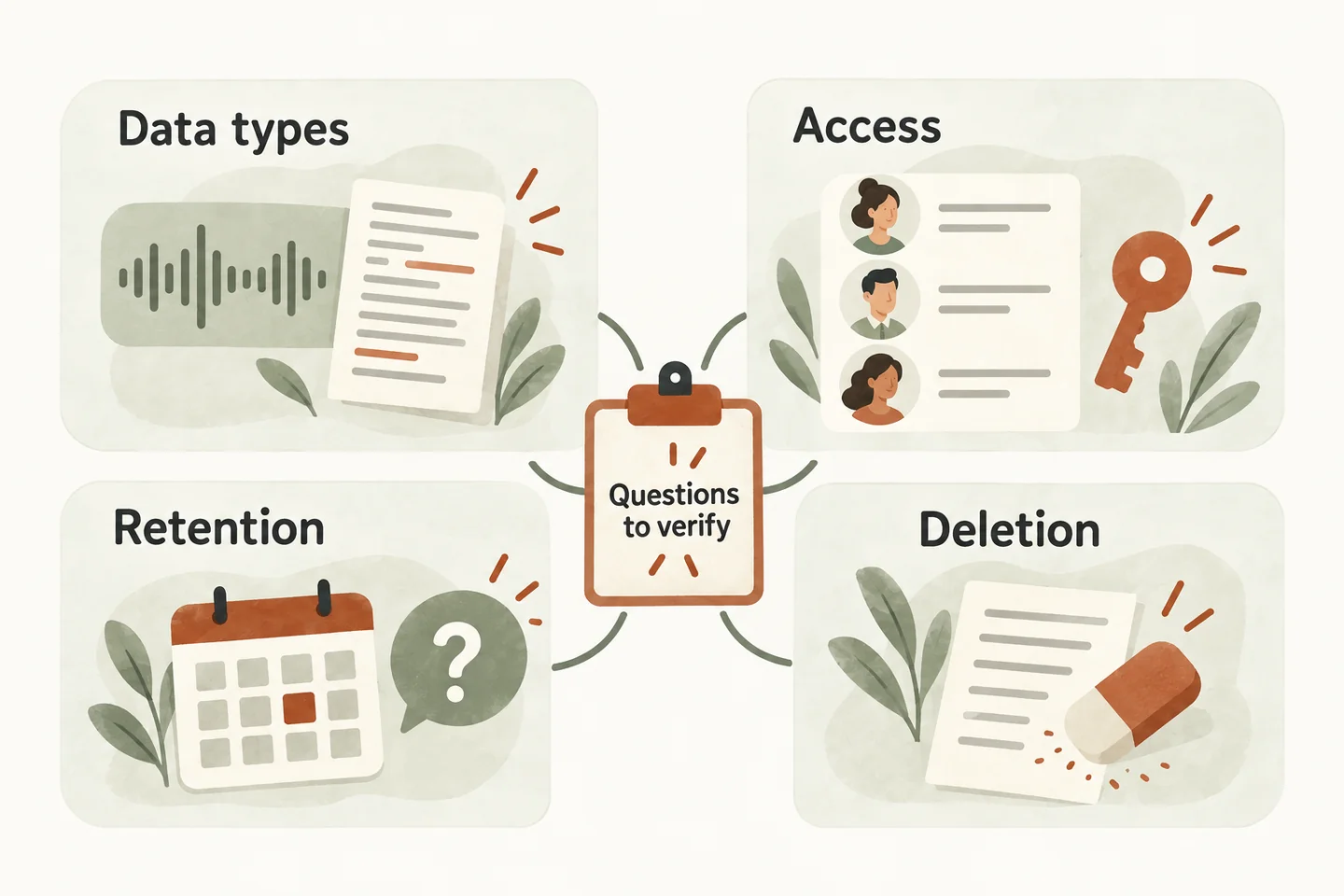
Identify each data type before choosing settings
Begin with your AI receptionist call flow. For every branch, list what the caller supplies and what the system creates. A callback number, live audio stream, saved recording, transcript, summary and calendar entry are different records. Ask which actually exist in the proposed configuration; do not assume that recording being disabled means no other call information is processed.
Give each field a specific purpose. A routine service enquiry may need a callback number and brief request; it rarely needs a payment-card number or a detailed medical history. Decide how staff will handle unexpected sensitive information. The FTC’s security guidance recommends limiting collection and keeping information only while there is a legitimate business need.
Copy this data-flow questionnaire
Complete one row for each enabled workflow. Add an owner, dated evidence reference and status: verified, needs confirmation or not applicable. “Not applicable” needs a reason. A blank answer remains an open question, not approval. This original worksheet is a starting point for review, not a vendor certification.
| Record or decision | Ask and record | Evidence to request |
|---|---|---|
| Live audio and recordings | Is audio streamed, stored, or both? Who receives it, and is saved recording optional? | Current configuration and written provider explanation. |
| Transcripts and summaries | Which text is saved? Can it include volunteered details outside the intake questions? | Fictional test record and a documented handling procedure. |
| Contact and booking data | Which fields move into the workspace, connected calendar, notifications or exports? | Field list and destination map for this setup. |
| People and providers | Which staff, support teams and subprocessors can access each record? In which countries? | Access roles, provider list and contractual processing terms. |
| Retention and deletion | What starts each retention period? What happens to backups, exports and provider copies? | Written schedule, exceptions and deletion-verification procedure. |
| Disclosure and requests | What must callers hear, and who handles objections, access requests or corrections? | Reviewed wording, alternative contact route and named owner. |
Ask separately whether information can be used for model training, service improvement or human quality review. Request the purpose, applicable choices and contractual wording. Do not infer the answer from an unrelated provider’s general privacy page or from a setting shown in a demonstration.
Trace access beyond the first dashboard
Draw the proposed path from caller to voice provider, business workspace and any enabled destination. Label each handoff with the information transferred. Include downloaded files and messages forwarded by staff: they can create copies outside the original workspace. Ask who manages access when an employee leaves or a contractor finishes work.
A country listed for the business does not establish where every provider processes data. Ask about primary storage, support access, subprocessors and backups separately. Get any required location commitments in the applicable agreement. Have your reviewer compare that agreement with the actual configuration rather than treating a sales statement as complete evidence.
Make retention and deletion testable
For each record, write down the retention period or decision rule, its starting event, the responsible owner and any approved exception. Avoid choosing an arbitrary number of days merely to fill the worksheet. Different records may serve different purposes; have the reviewer identify applicable obligations and justified business needs.
Ask what deletion means in each destination. Removing a visible conversation may differ from removing a provider copy, calendar entry or backup. Establish how a request is received, identity is checked, exceptions are assessed and completion is documented. Test with fictional records where the provider permits it; record limitations instead of promising instant deletion everywhere.
Have recording and disclosure wording reviewed
For Canadian businesses subject to PIPEDA, the Office of the Privacy Commissioner’s call-recording guidance describes notifying customers of recording, explaining its purpose and obtaining consent. It also addresses alternatives and retention. This is scoped Canadian guidance, not a universal script for every US or Canadian call.
Have a qualified reviewer assess the rules relevant to your business and callers, including the proposed recording choice. Approve what is said, when it is said, and the available alternative if someone objects. Do not paste “for quality assurance” into a greeting unless that accurately describes the reviewed purpose. Confirm the system can carry out the agreed alternative before offering it.
Publish only what the evidence supports
The current AI receptionist for small business offer describes caller details, summaries and follow-ups in a private workspace. At this review, the homepage footer still labels its privacy and service information as a draft pending review. It does not establish completed contractual answers for processing locations, retention or every provider’s data use. Request reviewed documents before approving production handling.
Carry the evidence references and unresolved items into your AI receptionist setup checklist. To explore the conversation, try the live AI receptionist demo with a fictional, nonsensitive enquiry. The link opens the existing configuration; you must press Start before a call begins. A personal demo is the next step for checking your proposed workflow and obtaining its outstanding answers.
Sources and further reading
YOUR CALLS, YOUR NEXT STEP
Try a fictional call before reviewing your own workflow.

Explore the live demo using nonsensitive, invented details. Then request a personal demonstration to check the proposed data flow and the documents needed before production approval.