AI receptionist for dentists: a practice-manager evaluation checklist
Evaluating an AI receptionist for dentists starts with evidence about a specific administrative task, not how convincing the voice sounds. Verify what happens to requests, which practice systems are supported, how information is handled and who owns exceptions. This is a vendor-evaluation guide; it does not establish our service’s suitability for patient calls, clinical workflows or patient information.
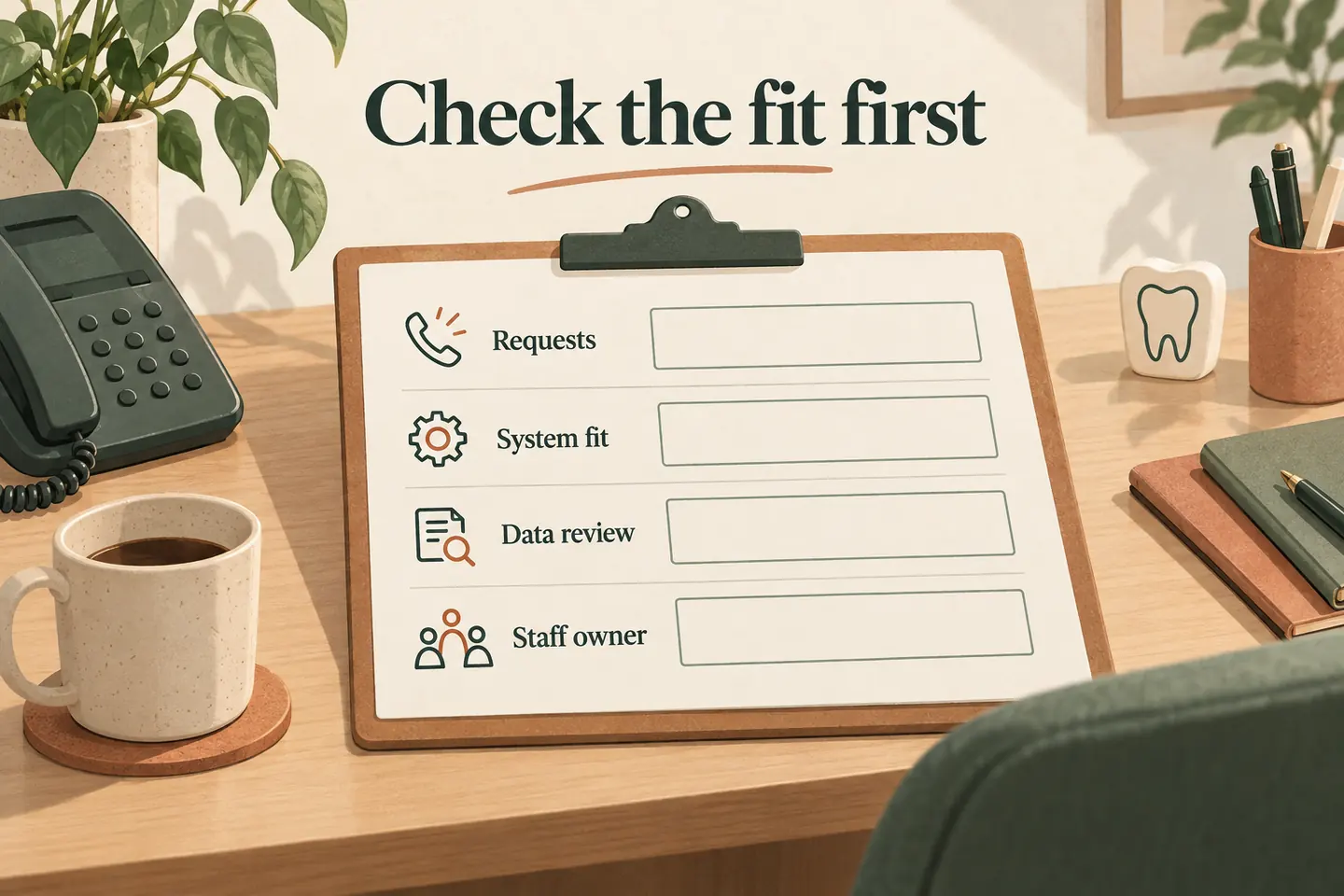
Define one administrative task before comparing vendors
Start with a narrow question: can the vendor answer approved opening-hours enquiries, capture an appointment request, or complete a verified booking? These are different outcomes. Write down which one you need and how staff would recognize success.
Use your existing process to map administrative call handling. Identify where a request should arrive and which person reviews it. Do not assume a general business-phone tool can access a practice record, select an appropriate appointment or handle information disclosed during a dental call.
Keep discovery demonstrations fictional. Even an apparently administrative enquiry may include patient information, so calling a workflow “nonclinical” does not resolve its suitability. Confirm the boundaries before connecting a practice line.
Separate an appointment request from a confirmed booking
A request records a preference for staff review. A confirmed booking needs evidence that the intended appointment was successfully saved in the approved scheduling system. Ask what the caller hears when no slot is available, an action fails or staff approval is still needed.
This distinction appears in real vendor documentation. Weave’s AI Receptionist page describes appointment-request capture separately from automatic booking and rescheduling for qualified dental practice-management systems. That is evidence of a conditional vendor feature, not proof of compatibility with your system or ours.
Require the vendor to name the exact supported system, version and action. “Calendar integration” is not a complete answer.
Use a scorecard that keeps unresolved requirements visible
Copy this original worksheet for each vendor. Mark each row Verified, Open or Not supported; attach the evidence, reviewer and review date. Verified means your designated reviewer accepted the evidence for the stated scope. It is not a certification or a guarantee of future performance.
| Area | Evidence to request | Practice reviewer | Status and reference |
|---|---|---|---|
| Request or booking | Observed result, destination record and caller wording for successful and failed actions. | Scheduling lead | [Status / evidence / date] |
| Exact system fit | Supported software/version, permitted actions, required permissions and documented limitations. | System owner | [Status / evidence / date] |
| Information handling | Data flow, access, storage, retention/deletion, providers involved and applicable agreements for qualified review. | Qualified privacy/security reviewer | [Status / evidence / date] |
| Staff ownership | Named recipient, coverage hours, unanswered-transfer fallback and process for stopping or correcting a workflow. | Practice manager | [Status / evidence / date] |
Do not average away a missing requirement with a numerical total. If a necessary system action or information-handling review remains unresolved, keep that workflow out of production. Record what evidence is missing and who must obtain it.
Ask to see the exact action in an approved test environment
Have the vendor demonstrate the actions you intend to allow using fictional records in an appropriate test setup. Inspect the resulting record rather than relying on the spoken confirmation. Verify appointment type, date, time and relevant staff or room constraints against your own approved rules.
Treat booking, changing a booking and cancelling one as separate permissions. Ask what happens when the connection is unavailable or the request cannot be matched. Staff should know how to reconcile duplicates or incomplete requests without assuming the conversation changed the practice system.
Keep the tested software version and configuration with the scorecard. A demonstration against another product or an isolated calendar does not prove your practice integration.
Complete information review before allowing real calls
Ask the vendor what is captured from speech, what is retained, where it goes and who can access it. Include recordings, transcripts, summaries, logs and connected services in the discussion. Request documented retention, deletion, access and incident-handling arrangements instead of relying on a broad security label.
Have qualified reviewers assess the proposed workflow, agreements and applicable requirements for the practice’s jurisdiction. US and Canadian practices need their own review; do not copy a conclusion from one country to the other. This checklist does not determine legal compliance or approve a vendor for patient data.
Use invented names and contact details for testing. Do not upload patient lists, real call recordings, treatment histories, payment details or identifiable examples into a demonstration.
Test administrative outcomes and preserve staff authority
The practice must define which questions belong with staff. A tool should not invent treatment guidance, diagnose a condition, decide clinical urgency or promise access to a clinician. Agree on a staff-approved handoff boundary and fallback without using an automated demonstration as clinical triage.
| Scenario | Expected evidence |
|---|---|
| Opening-hours question | A fictional caller asks about a dated closure; the answer matches the approved practice schedule. |
| Unconfirmed appointment request | A fictional caller requests an unavailable time; the result stays a request and does not sound booked. |
| Unanswered staff transfer | A fictional caller asks for the office manager; only the approved route is tried, followed by the agreed fallback. |
These are evaluation scenarios, not patient outcomes or measured performance results. Record failures and retest after changes; a reassuring conversation is not evidence that the administrative action completed.
Understand what our current public offer establishes
As checked October 19, 2026, our public offer describes approved business answers, configured transfers and booking when enabled and connected to Google Calendar. It confirms appointments only after a successful save. Those statements do not establish dental practice-management integration or suitability for patient-data workflows.
We have not verified those dental-specific capabilities for this guide. Do not connect patient calls based on this article or the sample demo. Review current plan terms only after the required fit and information-handling questions are resolved; subscription allowances do not establish clinical suitability.
Take a precise, fictional enquiry to the demonstration
You can try the live AI receptionist demo with a fictional opening-hours question, then request a personal demo to discuss evidence and limitations. The sample does not handle real customer calls or create real appointments. Keep unsupported requirements marked Open rather than treating a general demonstration as approval for a dental workflow.
Sources and further reading
YOUR CALLS, YOUR NEXT STEP
Evaluate with fictional administrative questions.

Try the sample without patient information, then request a personal demonstration to review documented capabilities and unresolved requirements. A demo does not approve a dental workflow.