Your first 30-day AI receptionist review: expand, improve or pause?
An AI receptionist 30 day review should end with a documented decision, not just a call count. Compare the pilot with its original goals, verify what happened after each useful enquiry, and reconcile staff work and actual charges. Expand only when the evidence supports a defined next step; improve a bounded problem or pause an unreliable route when it does not.
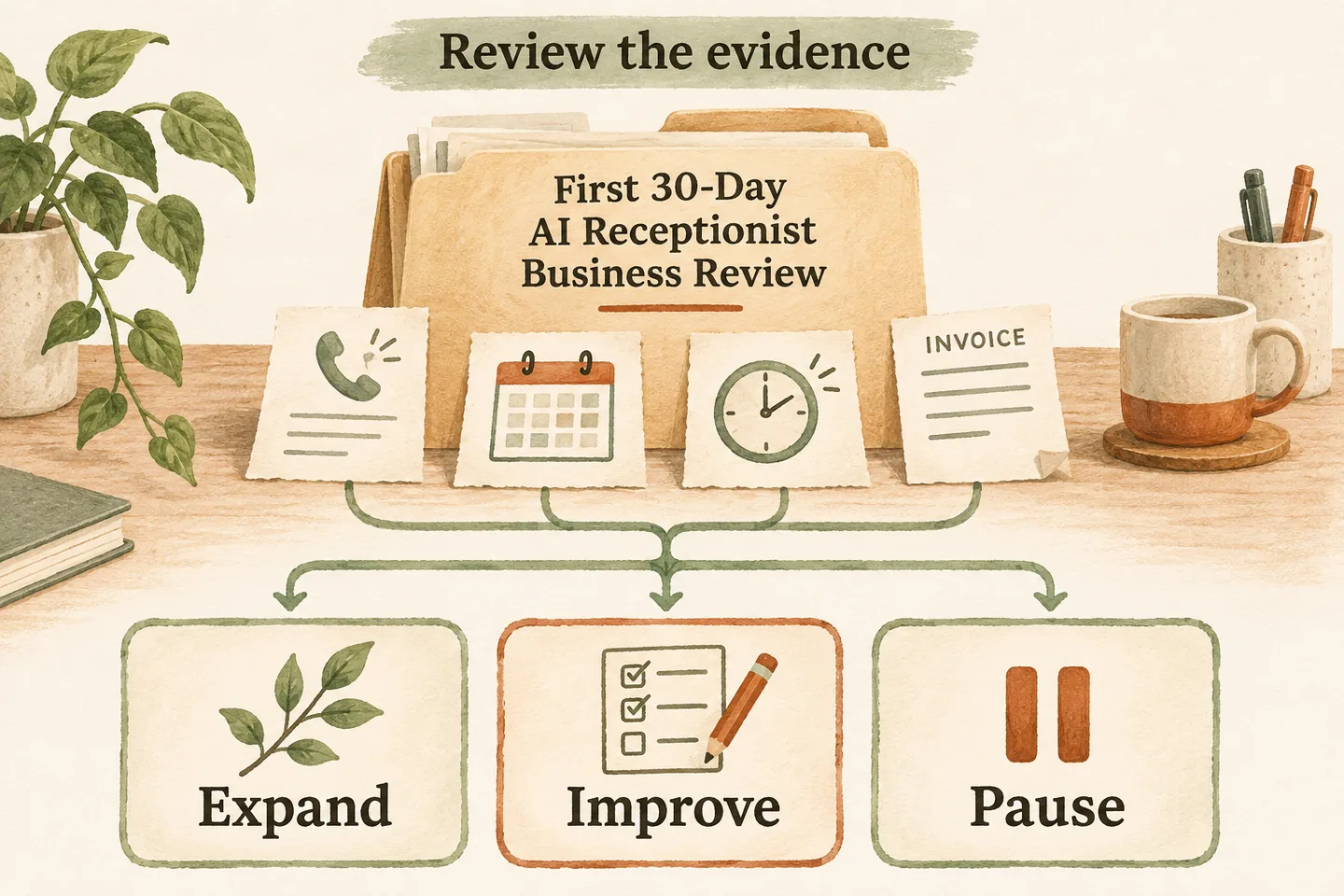
Review the original pilot goals and comparable call data
Start with the route you actually tested: one overflow window, after-hours coverage or another defined scope. An AI receptionist for small business may answer approved questions, capture requests and perform enabled actions, but those capabilities do not establish that your particular pilot met its goals.
Record the dates, covered hours, call types, configuration version and original acceptance criteria. Compare like periods where possible. A holiday closure, changed advertising or a different service mix can explain a change in calls. If no baseline exists, describe observed performance without claiming an improvement caused by the receptionist.
| Review field | Evidence to enter | Decision question |
|---|---|---|
| Original goal and scope | Approved goal, route, dates and comparison period | Was the intended workflow actually tested? |
| Call outcomes | Unique enquiries, confirmed actions, follow-ups and unknowns | Did callers reach the agreed next step? |
| Staff effort | Dated minutes for setup, callbacks, checking and corrections | What work remained or moved to someone else? |
| Usage and cost | Billing period, billable minutes, allowance and itemized charges | Does the chosen plan fit the observed scope? |
| Unresolved failures | Failure examples, impact, owner and retest evidence | Which risks still prevent expansion? |
| Decision and accountability | Expand, improve or pause; named owner and review date | Who will complete and verify the next action? |
Check useful enquiries, booking results and follow-up completion
Define a useful enquiry before counting it: for example, a genuine request within your service area that your team can act on. Keep repeat calls tied to the same enquiry so persistence does not look like extra demand. Separate spam, tests, wrong numbers and records you cannot classify; document every exclusion.
Distinguish a captured appointment request from a successfully saved booking. Verify completed actions in the relevant record, then check whether staff completed the promised follow-up. A sent callback task is not a completed callback. A booking is not attendance, a completed job or revenue; leave later outcomes unknown until evidence arrives.
Compare actual billable usage with the chosen plan
Use the provider’s actual billable-usage record for the same billing period as the invoice. Check units, rounding and which activities count. Compare the result with your allowance and the original AI receptionist minutes calculator estimate. Conversation duration in a call log may differ from billed minutes; investigate the difference instead of replacing one total with the other.
Then compare the current USD plans against your approved terms. The public offer, checked November 13, 2026, states monthly USD pricing before applicable tax, with usage limits and any additional charges agreed before activation. Record the actual subscription, applicable tax and separately documented carrier or other charges; do not invent an overage rate or assume a plan change happened.
Keep staff effort alongside the bill. Separate one-time setup from recurring review, corrections and callbacks. If you value staff minutes financially, state the hourly rate, currency and calculation, and distinguish that modeled value from money actually paid. Do not count the same paid time twice or label time reassigned to other work as cash savings.
List failure patterns and required fixes
Read the unresolved cases individually. Group recurring problems such as misunderstood details, unsupported answers, booking failures, unanswered transfers and late callbacks. For each, record the expected action, what actually happened, caller impact, responsible person and evidence needed to close it. Five minor omissions and one serious incorrect promise should not disappear inside an average score.
Separate configuration gaps from staffing gaps. A clearer callback instruction cannot make an unavailable person answer. Set an achievable fix and a repeatable test; record the result rather than marking an issue closed because someone edited a setting. If a serious failure remains, narrow or pause the affected route and use an agreed human fallback. This worksheet is a review method, not a built-in product reporting feature.
Choose an evidence-based next step with an accountable owner
| Decision | Evidence needed | Accountable next action |
|---|---|---|
| Expand | Goals met, actions verified, costs understood and no blocking failure unresolved | Named owner approves one additional scope and its rollback condition. |
| Improve | Useful results but a bounded, correctable gap remains | Named owner implements a fix, runs the failed scenario again and sets a review date. |
| Pause | Material failure, unsuitable workflow or evidence too incomplete to judge | Named owner restores the agreed fallback and states what must be verified before restarting. |
In the hypothetical example, five unresolved callbacks warrant checking ownership and promised response times before expansion. Write a decision such as “Improve: office manager Maya owns callback reconciliation and a retest by Friday.” Replace that fictional name and deadline with a real owner and date. Use the AI receptionist rollout plan to define the next limited scope.
You can try the live AI receptionist demo with a fictional, nonsensitive call. The link opens configuration; press Start explicitly to begin. The sample cannot prove your results or integrations. Request a personal demo as the next step for verifying your business workflow.
Sources and further reading
YOUR CALLS, YOUR NEXT STEP
Test a sample call, then review your workflow

Try the live demo with fictional, nonsensitive details and press Start when ready. Request a personal demo to verify the scope you want to improve or expand.