After-hours booking when no technician is on call: explain what is available
After-hours booking can offer a future appointment even when nobody is on call now, but only if the approved workflow supports that appointment and saves it successfully. Otherwise, capture a request for human review. State that immediate attendance is unavailable when that reflects the actual coverage plan; answering the phone must not imply that a technician is coming.
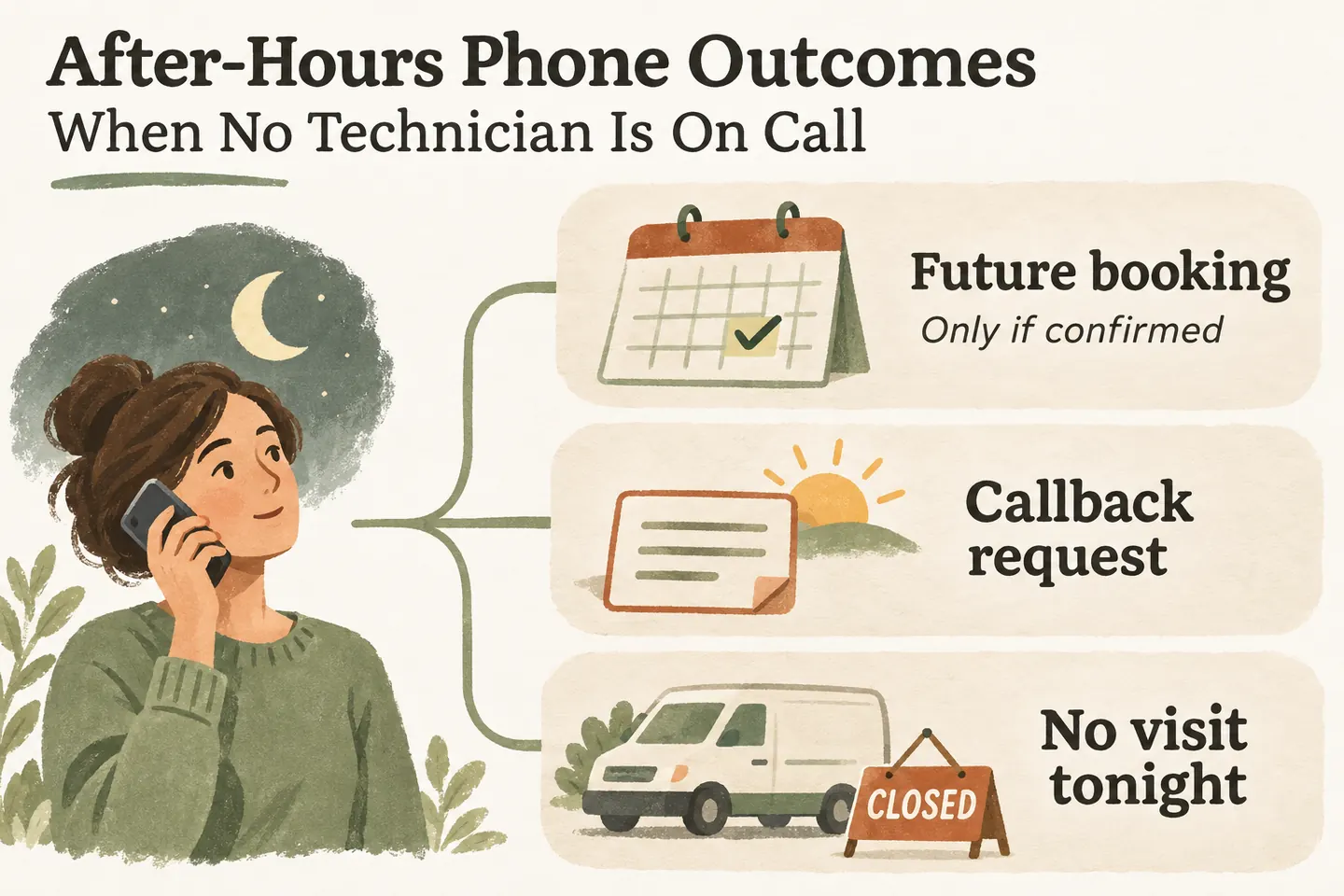
Say what is available before discussing a time
For an AI receptionist for small business, define two separate facts: the calls it may handle and the people available to act. If the approved plan says no technician is on call, say so early. Do not leave the caller to infer availability from a friendly greeting, a late-night answer or an offer to collect details.
Use wording such as: “There is no technician available for immediate attendance under our current coverage. I can help with the future appointment options this business has approved, or take a request for review.” Adapt both sentences to the actual setup. Remove the booking offer if booking is not enabled or that caller’s request is ineligible.
The after hours answering service coverage plan establishes opening hours, dated closures and who reviews requests. This guide addresses one narrower situation: callers can reach the receptionist, but nobody is available to attend immediately. A future calendar opening does not change that boundary.
Choose the outcome the workflow can actually support
Complete this original table with your team before activation. It is an operating aid, not a claim that the product supplies staff scheduling, technician dispatch or automated urgency assessment. Keep the permitted action, evidence of completion and caller-facing message together.
| Caller’s request and conditions | Permitted outcome and wording |
|---|---|
| A routine future visit fits the approved appointment type, coverage and availability rules; saving succeeds. | Confirm the saved appointment’s actual date, time, timezone and purpose. Do not describe it as immediate attendance or a guaranteed completion of the work. |
| The caller wants a future visit, but eligibility, calendar access or a successful save cannot be established. | Capture a preferred time as a request only if capture succeeds. Explain that staff must review it; no appointment is confirmed. |
| The caller needs a person to review an unusual request or asks for a callback. | Collect the approved details and route to the named review owner. State the approved review arrangement, without inventing a callback deadline. |
| The caller asks for someone to come now, but immediate attendance is unavailable. | State that limitation directly. Do not promise dispatch, an arrival estimate or an answered transfer to a person who is not available. |
| The caller raises a concern covered by a separately approved urgent-referral instruction. | Use that exact approved route and wording. A routine message or future booking is not emergency assistance; do not diagnose or reassure the caller that waiting is safe. |
If the caller’s request changes during the conversation, revisit the outcome. Someone who first asks for a routine visit may then ask whether a technician can arrive tonight. A saved future appointment does not answer that new question, and the note should preserve both the booking result and the stated availability limit.
Offer only an eligible future appointment
Write the accepted visit types and exclusions before opening the booking path. Confirm service-area fit and the information needed for the approved appointment. Do not treat every request as the same duration or assume that an assessment appointment includes authorization for repairs, materials or a completed job.
Our current offer describes Google Calendar booking when the workflow is enabled and the calendar is connected. Confirmation follows a successful save. That capability does not establish that a particular service, technician, overnight slot or specialist requirement is supported. Check those business rules separately before relying on the booking path.
Use the appointment request vs confirmed booking guide for the exact distinction between saved and pending results. If the outcome is uncertain, leave it unconfirmed and have staff check the existing record before another action. Do not create duplicate requests merely to make the conversation sound resolved.
Explain review timing and keep urgent referrals separate
For a routine request, record the caller’s contact details, question, preferred time and what remains unresolved. Assign the actual staff role responsible for review. Say when the team reviews requests only if that arrangement is approved; an office opening time is not automatically a promised callback time.
Use the actual reopening date and timezone, including any dated closure. “Tomorrow morning” can be ambiguous across midnight or when the caller is elsewhere. Read back a preferred window as a preference. Only acknowledge that a request was received after the capture action succeeds.
Prepare urgent-concern instructions separately with the responsible business owner. Where those instructions call for an official emergency or utility contact, verify the relevant official source, location and current contact route before approving the wording. Do not invent a referral number, promise another provider’s availability or turn a normal callback queue into a claimed urgent-response service.
The receptionist should not decide that equipment is safe, diagnose the issue or persuade someone to wait for a future appointment. If the proposed handling depends on an unverified referral or unavailable person, resolve that configuration gap before enabling the workflow. The table supplies no hazard-specific advice.
Test the caller who asks for someone now
Also test an unsupported visit type, an unavailable calendar, an uncertain save and a closure that changes the next review window. Read the spoken answer and resulting record together. Each should show whether there is a saved appointment, a pending request or no completed action. Correct conflicting wording before routing customer calls.
You can try the live AI receptionist demo with fictional, nonsensitive details. The homepage configuration opens first; press Start when ready. The sample does not create real appointments. Request a personal demo to verify future-booking eligibility, after-hours wording and the staff review arrangement your business can actually support.
Sources and further reading
YOUR CALLS, YOUR NEXT STEP
Try a fictional after-hours availability question

Ask about immediate attendance and a future visit, then request a personal demo to verify which bookings, request records and human handoffs your approved setup supports.