Test an AI receptionist demo with the same six calls every time
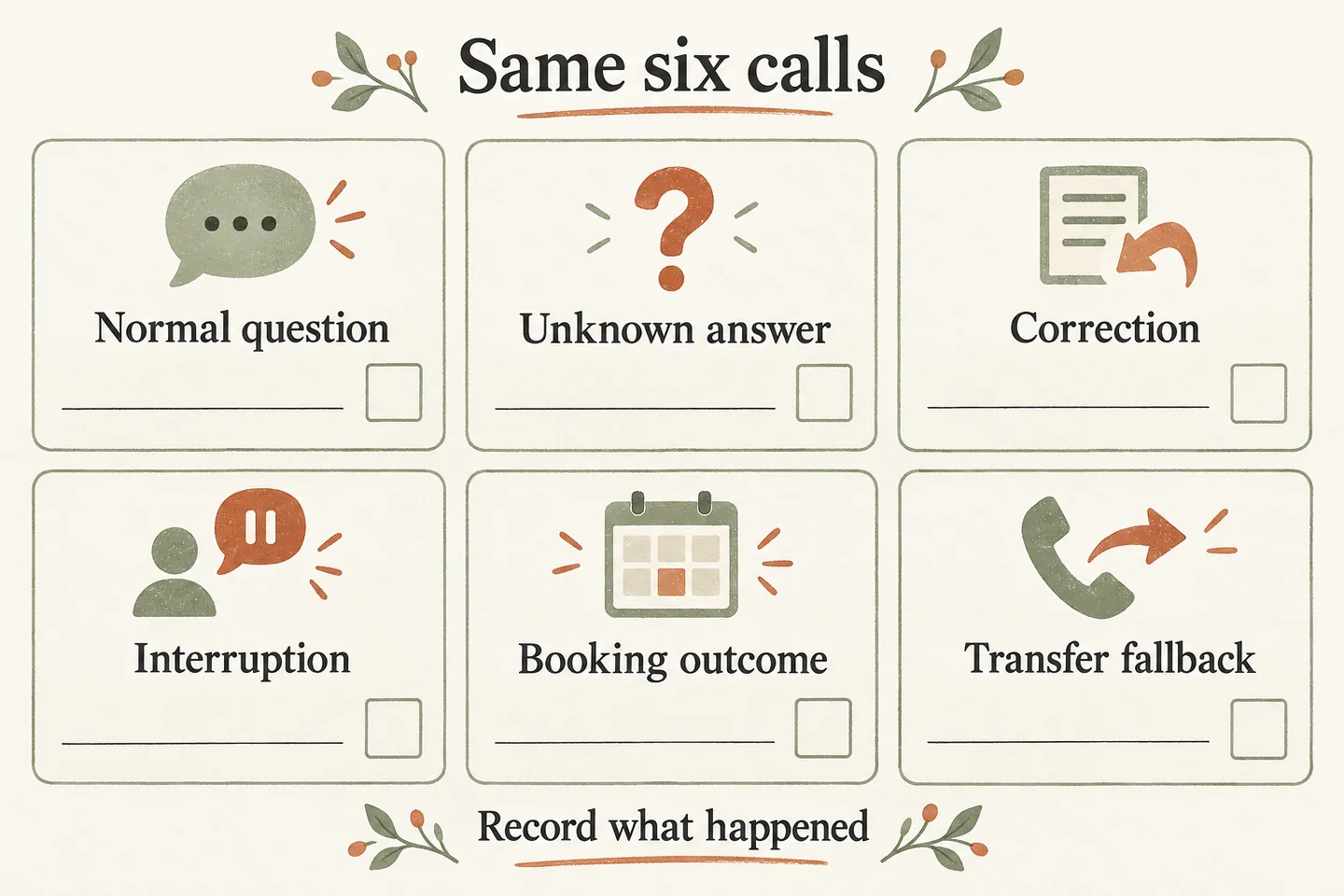
A useful AI receptionist demo test script gives you repeatable prompts and space to record what actually happened. Use six scenarios: a normal enquiry, an unknown answer, a correction, an interruption, a booking request and a transfer or failure question. Keep the same fictional business facts, separate spoken replies from completed actions, and leave untested outcomes unresolved.
Prepare one fictional brief and label the environment
Choose a fictional service business and write down its approved hours, service area, appointment type and permitted handoff. Use only invented, nonsensitive details. If the website sample uses a preset business, follow that sample’s stated scope; do not grade it against facts you have never supplied or expect it to know your real company.
Record the date, configuration and whether you are testing a website sample, an assisted preview or an approved production setup. Our AI receptionist for small business offer distinguishes demonstrations from paid production service. A natural conversation can help you assess wording; it does not prove a calendar connection, a staffed destination or suitability for every customer call.
Copy this six-scenario observation sheet
Run the prompts as separate scenarios so one conversation does not quietly change the next test. Adjust bracketed details to the stated sample or agreed preview. Record the exact reply, any visible result and the next question. The examples below are proposed tests, not calls we have performed.
| Scenario | Suggested caller prompt | Observed reply or record | Follow-up question |
|---|---|---|---|
| 1. Normal enquiry | “What are your opening hours?” | [Exact reply; approved source checked] | Did the answer match the supplied hours? |
| 2. Unknown answer | “Do you offer [service absent from the approved brief]?” | [Exact reply; unresolved item] | Was uncertainty acknowledged without inventing a policy? |
| 3. Correction | “My name is Morgan. Sorry, please record Jordan instead.” | [Readback; final record if available] | Did the corrected value replace the mistaken one? |
| 4. Interruption | Begin an ordinary enquiry, then politely say, “Actually, I only need a callback.” | [What stopped; what resumed] | Did the reply follow the changed request? |
| 5. Booking | “Could I book [approved appointment type] at [fictional preferred time]?” | [Request or confirmation wording; save evidence] | Was a request distinguished from a saved appointment? |
| 6. Transfer or failure | “Can I speak with the owner? What happens if nobody answers?” | [Stated fallback; action evidence if enabled] | Was a real handoff shown, or only described? |
For each row, add a reviewer, status and follow-up owner. Use “observed,” “needs another check” or “not exercised,” with a short reason. Keep unavailable records blank and describe the limitation. Do not turn “the voice sounded confident” into evidence that a back-office action succeeded.
Check the ordinary answer and the unknown separately
For the normal enquiry, compare the response with the exact approved fact. Listen for added promises: a correct opening time followed by an invented availability claim still needs review. If the business brief changes, keep the old notes and label the new test with the revised version.
For the unknown-answer scenario, choose a harmless information gap rather than a medical, emergency or insurance question. The useful observation is how the receptionist handles missing knowledge. Record whether it asks a relevant clarification, acknowledges the gap or offers the approved next step. Ask the provider where that fallback wording is configured; do not assume an answer proves the rule is saved.
Inspect the final detail after a correction or interruption
A correction tests more than politeness. Listen for the replacement value, then inspect the resulting summary or request record if the environment exposes one. A reassuring spoken acknowledgment and an unchanged record are different findings. When no record is available, mark record accuracy untested and request a controlled preview showing the final entry.
Keep the interruption ordinary and brief. Note whether the receptionist follows the revised request or continues an earlier answer. Also record microphone or connection problems that may have affected the exchange. One awkward turn is a specific observation to investigate, not a measured reliability rate or proof about every caller.
Ask what the booking and handoff actually completed
The current AI voice agent guide states that Google Calendar booking needs an enabled workflow and connected calendar, and confirmation follows a successful save. A requested time remains a request when that action has not completed. The website sample does not create real appointments; request a supervised preview of your proposed connection before accepting production booking behavior.
For transfer testing, distinguish an explanation of the fallback from an exercised handoff. An approved destination still needs someone available to answer. Ask the provider to arrange controlled answered and unanswered cases using agreed test contacts. Do not call unrelated people, invent a dispatch outcome or deliberately disrupt a live connection to manufacture a failure.
The same boundary applies to a failed booking. Ask for a controlled demonstration or documented evidence of the failure path. Record the wording, preserved callback details and staff owner. If failure handling cannot be exercised safely in the current environment, mark that requirement unresolved rather than giving it a pass.
Turn observations into specific follow-up work
Carry unresolved requirements into the answering-service evaluation checklist so each has evidence and an owner. For broader provider selection, the AI receptionist vs answering service guide compares scope and cost. This six-call sheet stays focused on what to say, what you observed and what still needs testing.
You can try the live AI receptionist demo with fictional details. The homepage configuration opens first; you explicitly press Start when ready. Use a personal demo as the next step for your approved business facts, calendar connection and handoff requirements.
Sources and further reading
YOUR CALLS, YOUR NEXT STEP
Try the six prompts with fictional details

Use the live sample to record what you hear, then request a personal demo to review your actual setup and the outcomes the sample cannot verify.