Ask about call-data access and export before choosing a receptionist service
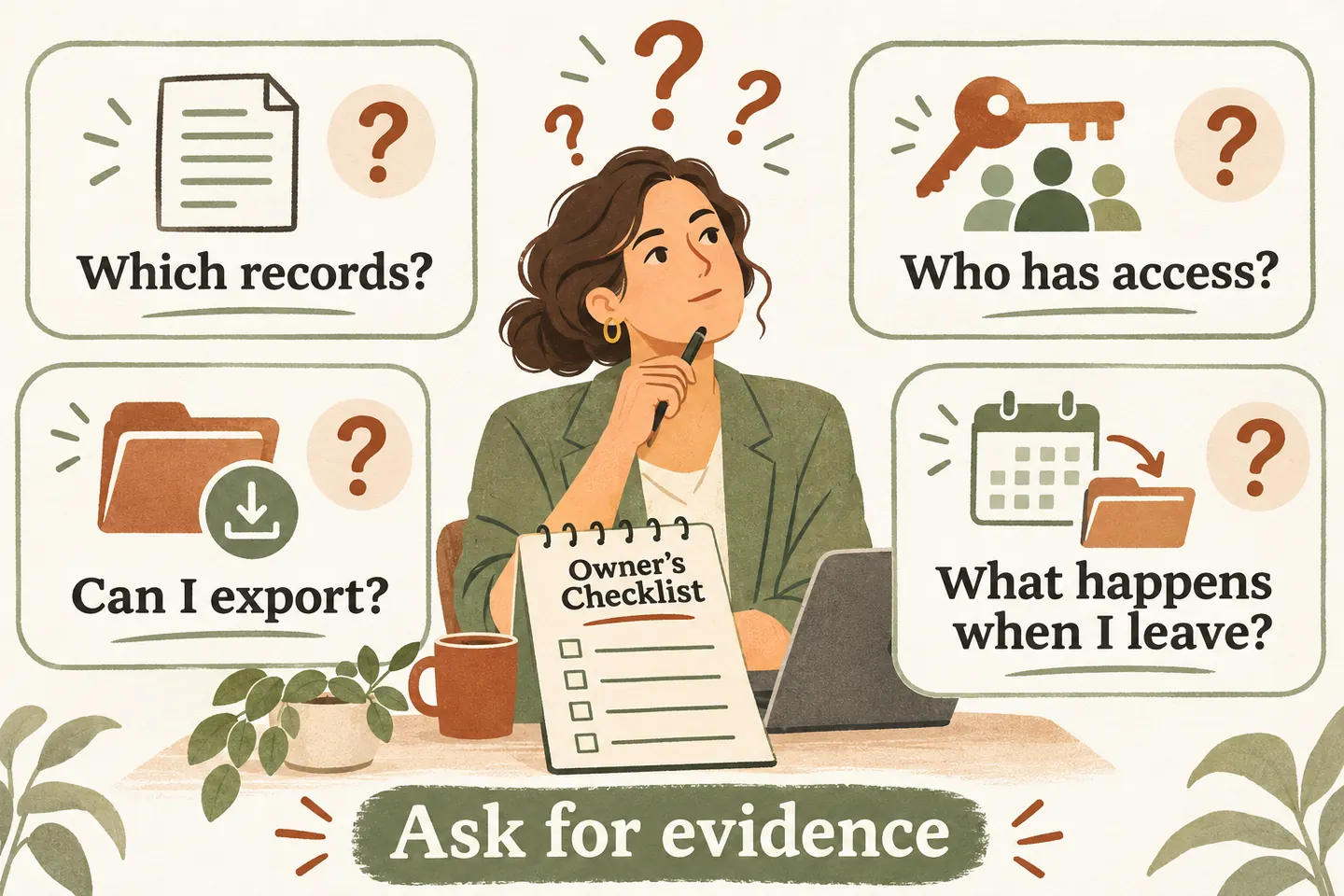
Ask AI receptionist data export questions before relying on call records for your daily work. Establish which records exist, who can view them, what can leave the service and what happens when access ends. A visible summary does not establish a downloadable recording, a complete export or a deletion guarantee. Record evidence for each requirement separately.
List the records your team actually needs
Begin with a business task: reviewing an unresolved enquiry, checking a callback note or transferring open work to another system. List the minimum information needed for that task. Separate call history, caller details, summaries, transcripts, audio recordings and follow-up notes; one record type should not stand in for another.
For every item, write why it is needed, who uses it and how often. Decide whether viewing it inside a workspace is enough or whether an authorized person needs a portable copy. Keep “helpful later” separate from an essential requirement. Do not collect extra sensitive details just to make the checklist look complete.
Our current AI receptionist for small business description includes call history, summaries and follow-ups in a workspace. Those statements do not verify recording availability, export formats, access roles or retention periods. Ask for evidence about the exact configuration you would use.
Use this data-access checklist in the vendor review
Copy the following original checklist into your evaluation notes. For each row, add the vendor response, dated evidence, unresolved limitation and responsible reviewer. The questions are requirements to verify, not capabilities this article says any provider already offers.
| Area | Question to ask | Evidence to retain |
|---|---|---|
| Records | Which summaries, transcripts, recordings and follow-up fields exist for my setup? Are any optional or unavailable? | A record inventory and a fictional sample showing the available fields. |
| Permissions | Who can view, download, change or delete each record? How is staff access granted and removed? | Current access documentation and a demonstration of the proposed roles. |
| Export | Which records can be exported, in what format, with which limits and assistance? | An actual fictional export, field definitions and written limitations. |
| Retention | How long is each record type kept, and what event starts that period? | Current approved documentation covering active records and relevant copies. |
| Deletion | Who may request deletion, what is removed, what may remain and how is the outcome confirmed? | The documented request process, scope, exceptions and confirmation method. |
| Offboarding | When does access end, who retrieves permitted records and who checks outstanding requests? | A written exit sequence with owners, deadlines and any charges. |
Attach this sheet to your answering service evaluation checklist. Keep each essential data requirement visible in the buying decision instead of treating a polished demonstration as an answer to every row.
Verify access with the people who will use it
Ask the vendor to distinguish the business administrator, ordinary staff and support access. Do not infer detailed permissions from the phrase “private workspace.” Request a demonstration using fictional records and the proposed account roles. Confirm who approves invitations and what happens when an employee changes responsibilities or leaves.
Check whether the demonstrated user can see only the records they should see and perform only the permitted actions. If a permission cannot be demonstrated, mark it unresolved and ask for the supported alternative. Do not describe a workaround requiring shared credentials as equivalent to verified individual access.
Avoid sending real call recordings or customer spreadsheets to prove the requirement during sales evaluation. A small fictional sample can reveal missing fields and confusing permissions without exposing customer information. Ask your responsible reviewer which information may be used in any later production test.
Inspect a sample export, not just an export claim
Ask which formats are available and whether exports include the fields your next workflow needs. For a table, check dates, timezone, identifiers, multiline notes and how missing values appear. For any audio or attachments, ask whether the files themselves are supplied or merely links, and whether those links expire.
Compare the requested sample with what you received: record count, date range, field coverage and readable contents. Ask about filters, volume limits, partial failures, request processing time and support involvement. A downloaded file does not prove that every record was included or that another system can import it.
When comparing AI receptionist cost, ask whether an assisted export, migration work or exit support has a separate charge. Do not infer a fee, free migration or ongoing access from the monthly plan price.
Read current retention and deletion documentation
Ask for the current approved documents that cover each record type and the actual service relationship. Distinguish normal retention, user-requested deletion, account closure and any documented exceptions. Ask how backups and other providers’ copies are handled, who answers an unresolved request and what confirmation the business receives.
At this November 11, 2026 review, our public footer labels privacy and service information as draft material pending review. Obtain current approved documentation before treating your retention or deletion requirements as resolved. This guide does not establish a retention period, deletion deadline, legal entitlement or compliance finding for your business.
Agree offboarding responsibilities before activation
Write the exit sequence while both sides can still answer questions: confirm the final service date, retrieve permitted records before the documented access cutoff, check completeness, assign open enquiries and request the agreed closure steps. Name the business owner and vendor contact for each unresolved item.
Treat retained copies as a separate responsibility. Once an authorized export leaves the service, agree where your business will keep it, who can access it and which approved rules apply. Do not assume closing the vendor account also removes copies held by staff or another system.
You can try the live AI receptionist demo with fictional, nonsensitive details. The homepage configuration opens first; press Start when ready. The sample does not verify data exports or deletion. Request a personal demo to review your completed checklist and resolve essential gaps before activation.
Sources and further reading
YOUR CALLS, YOUR NEXT STEP
Bring your data-access checklist to a personal demo

Try a fictional sample call, then request a personal demo to verify the records, permissions, exports and offboarding evidence your business needs.